12. Cursor presets#
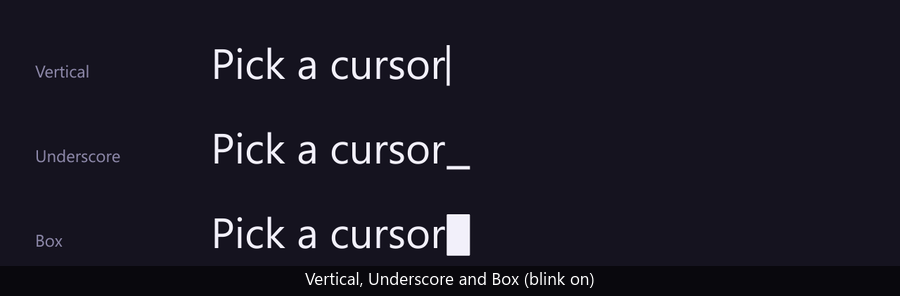
A cursor preset is a whole cursor shape and blink: width, top, bottom, how it follows mixed font sizes, corners, offsets, opacity and blink settings. LazyTyper comes with three; any rig's cursor can be saved as a preset of your own.
Where to find it#
Card 5 · Cursor:
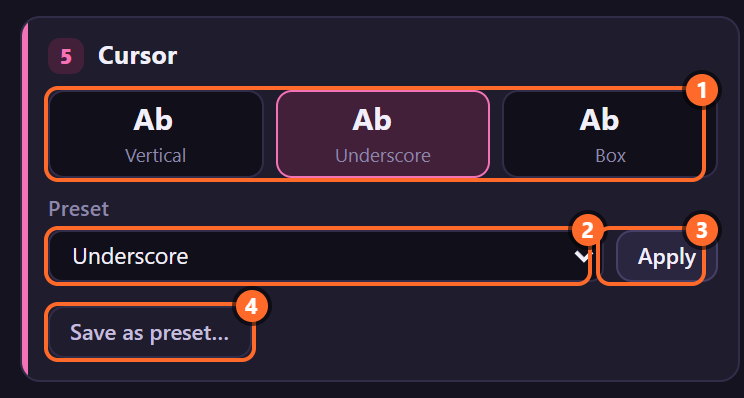
- Previews of up to six presets, drawn after an "Ab". Clicking one chooses it in the list (it does not apply it yet).
- Preset: built-in presets, then your saved ones.
- Apply: sets the selected rigs' cursors to the preset.
- Save as preset…: saves the selected rig's cursor as a preset (Delete appears next to it for a saved preset). Add cursor appears here too when the selected rig has no cursor.
The three built-in presets#
| Vertical | Underscore | Box | |
|---|---|---|---|
| Width | 7 | 55 | 55 |
| Top | 80 | −6 | 80 |
| Bottom | 16 | 14 | 18 |
| Width Follows Size | off | on | on |
| Roundness (all four corners) | 0 | 0 | 8 |
All three: Cursor Opacity 100, Blink on at 1 per second, Blink While Typing off, Blink Softness 0, Size From Character Before, Height Follows Size on, Individual Corners off, Offset Unit % of Font Size, no offsets. Sizes are percentages of the font size (chapter 25). Beside a bigger word all three grow taller; the Vertical bar keeps its width, Underscore and Box grow wider too.
Apply a preset#
- Select the rigged text layers.
- Choose the preset in the list, or click its preview.
- Click Apply. The toast says Cursor set to "Underscore".
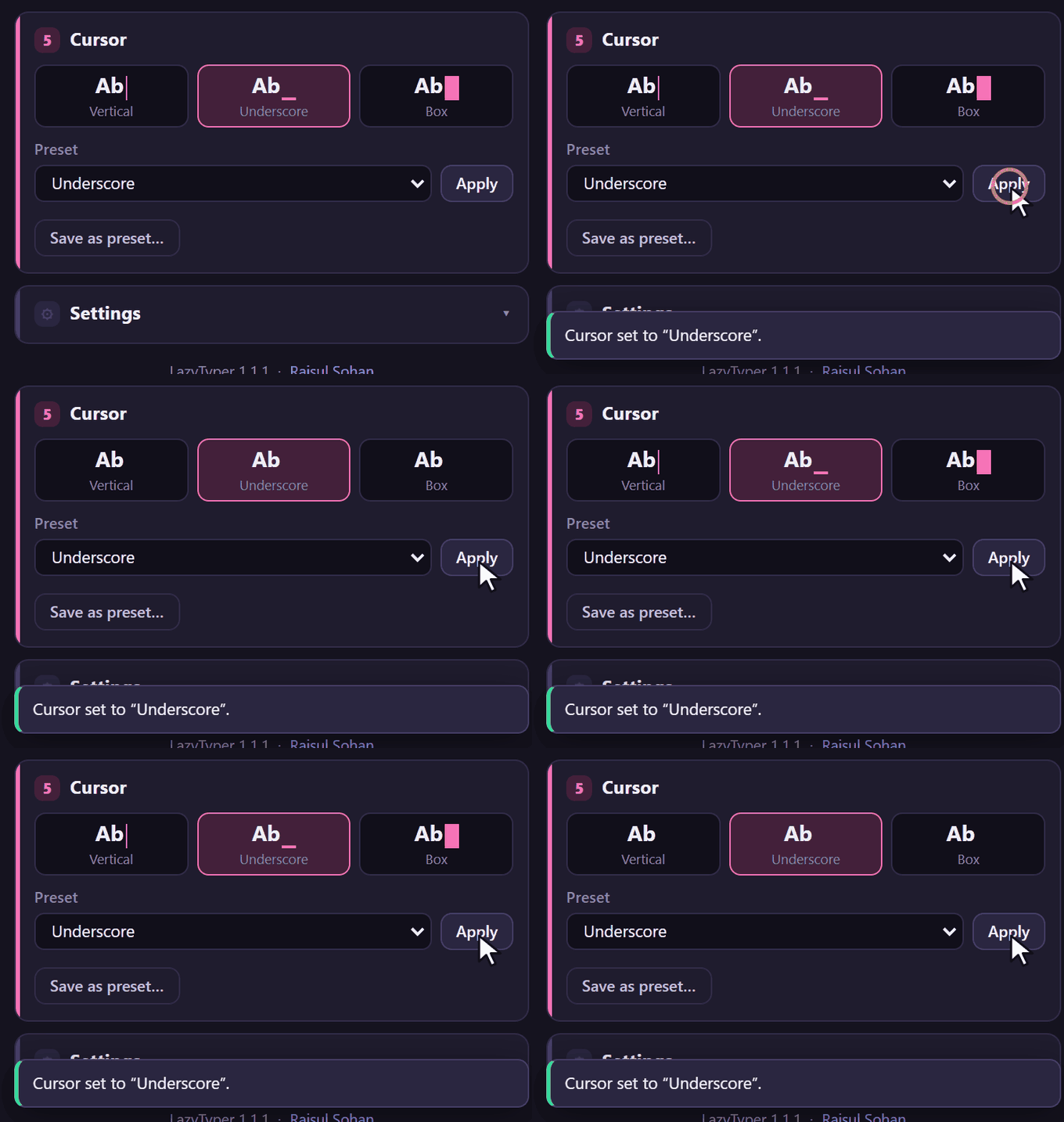
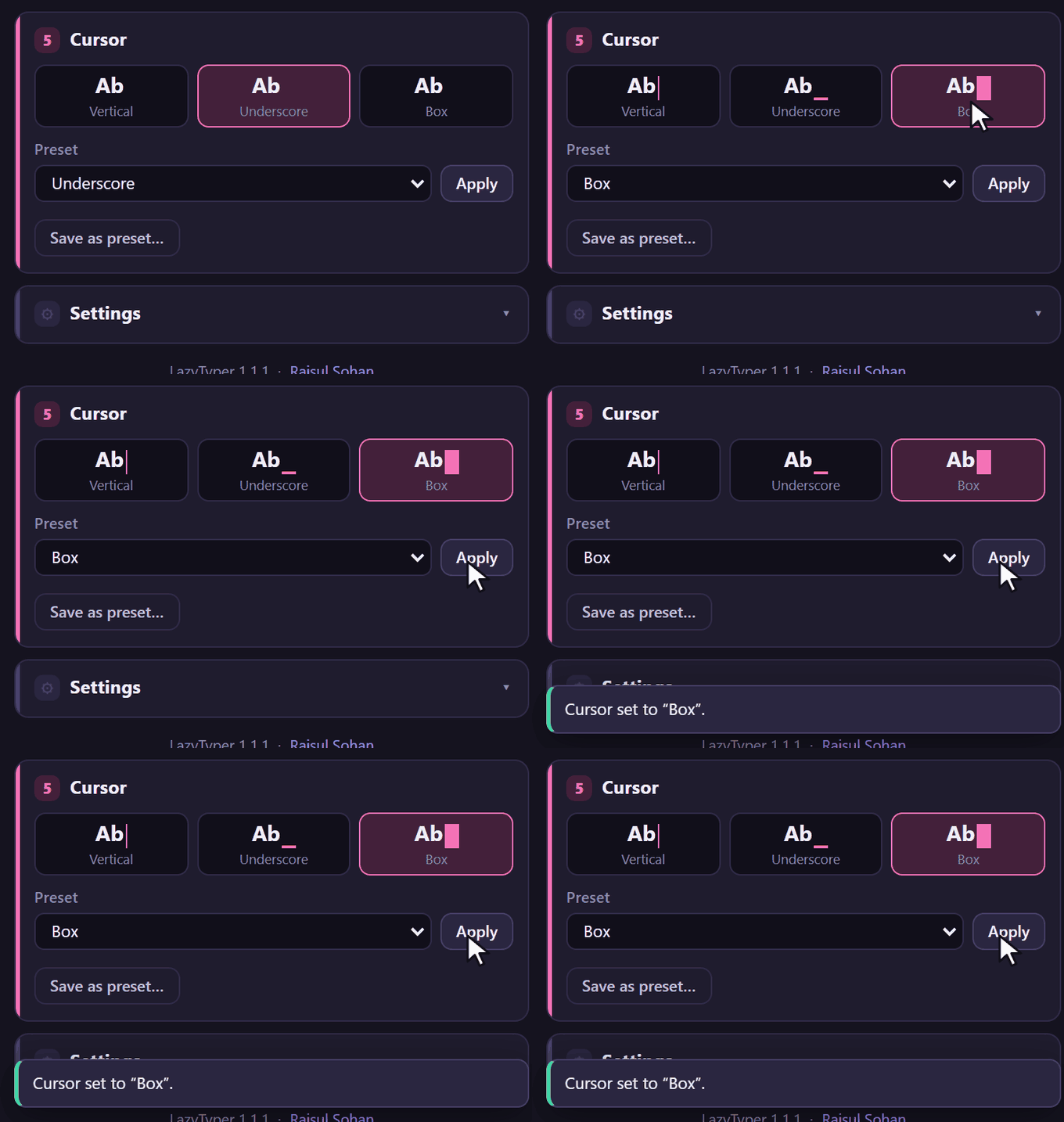
A preset sets 20 cursor controls: everything but Show Cursor, Use Text Color and Cursor Color, so the colour stays as it is (by default the text's colour, chapter 23). A control with keyframes gets a keyframe at the time indicator. One undo step.
Add a cursor to a rig without one#
A rig made with No cursor (or whose cursor layer was deleted) shows Add cursor:
- Select the rig.
- Choose the cursor preset to start from.
- Click Add cursor. The toast says Cursor added.
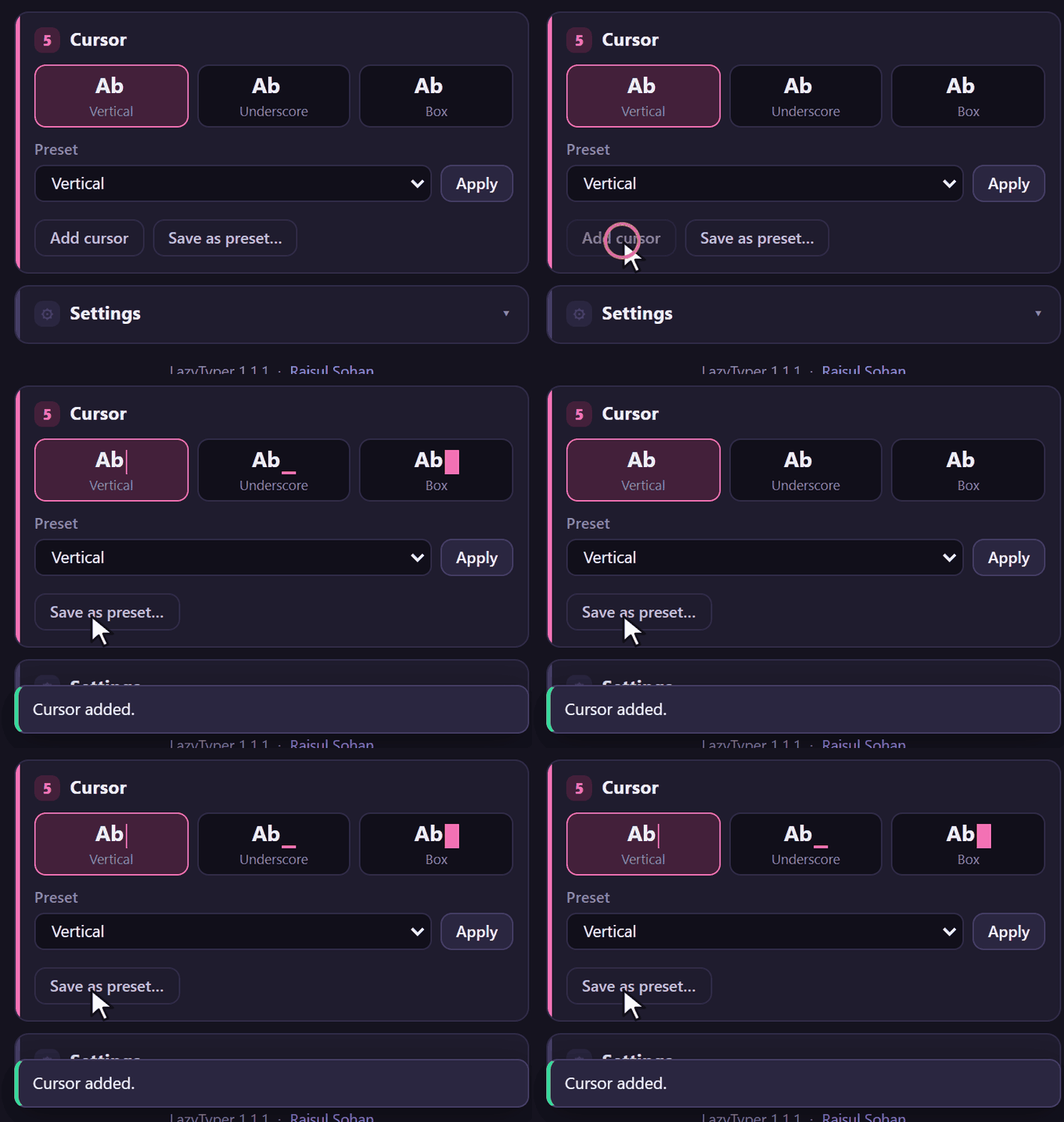
The new cursor is measured and set up exactly as Create would have made it.
Save and delete your own#
- Shape a rig's cursor in Effect Controls (chapters 23 to 27) and select the rig.
- Click Save as preset…, type a name, press Save (Enter; Esc cancels): Saved "Fat block" from Line 3.
- Delete removes the chosen saved preset; the list goes back to Vertical.
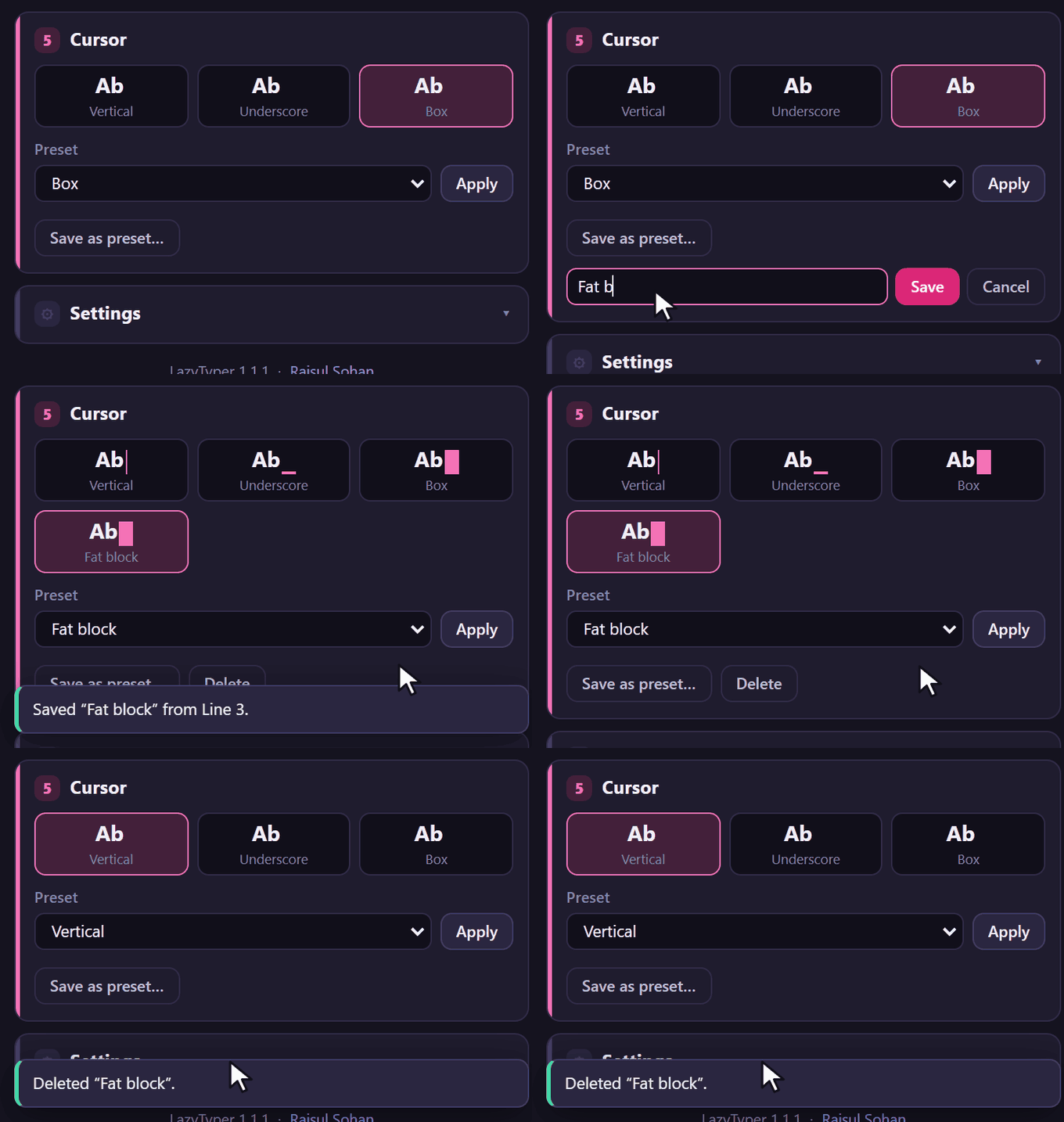
Saved cursor presets are in the same presets.json as the typing presets (chapter 5). A cursor preset
saved with LazyTyper 1.2 or earlier gets the newer controls the first time the panel opens, at values
that keep its look: Size From Character Before, both Follow switches on, and its offsets in Pixels.
Tips and pitfalls#
- The colour is not part of a preset: set Use Text Color and Cursor Color on the cursor layer (chapter 23).
- Clicking a preview only chooses: press Apply to change the rig.
- Several rigs: select them all and Apply once.
Related#
- Chapters 23 to 27: every cursor control.
- 4. Creating a rig: the cursor a rig starts with.
 আমি