10. Bake and Unbake#
Bake turns a rig's typing into keyframes: one hold keyframe on Characters Shown for every keystroke, coloured by what was typed. Baked typing plays instantly however long the text, and every keystroke can be moved by hand. Unbake (Shift+click) brings the live rig back.

Where to find it#
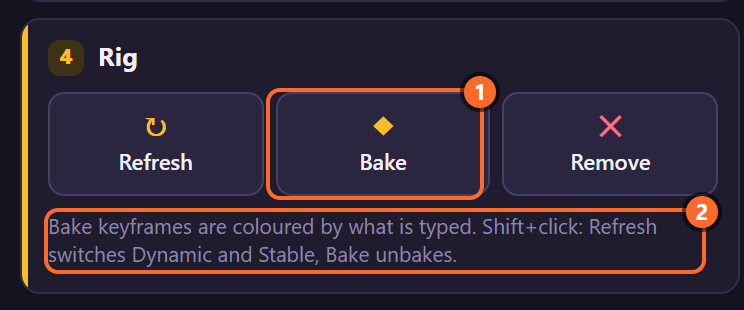
Card 4 · Rig, the middle button; the note under the buttons is a reminder of Shift+click (on Refresh it switches Dynamic and Stable, on Bake it unbakes):
Bake, step by step#
-
Select the rigged text layers (one or several).
-
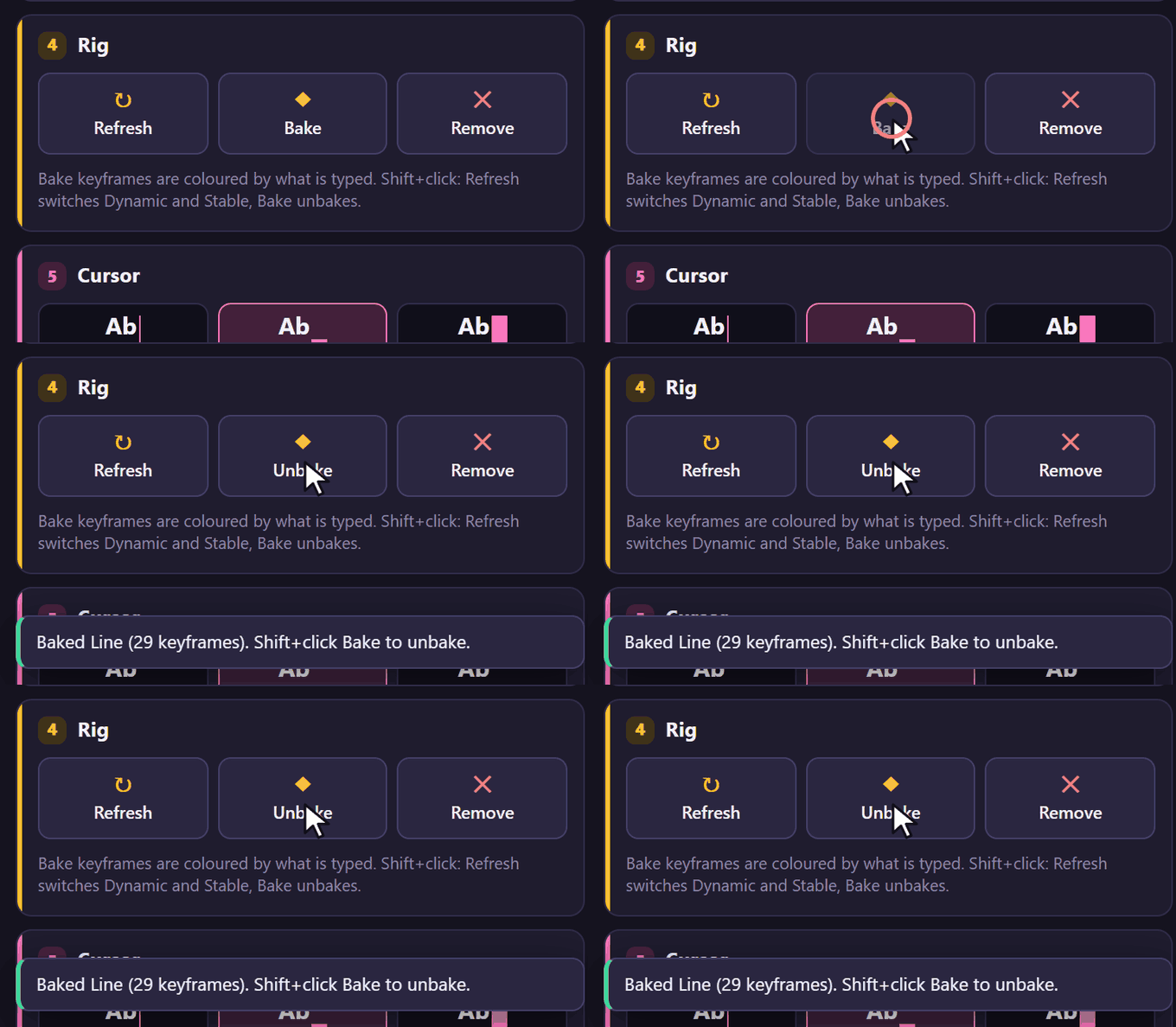
Click Bake. The toast says how many keyframes each layer got, Baked Line (29 keyframes). Shift+click Bake to unbake., and the button now reads Unbake.
-
The status line says baked:

-
Press U to see the keyframes (the picture at the top). Move any of them, or several, to change the timing by hand (chapter 28).
What Bake does#
- Runs the engine once from the layer's start to its end, exactly as the live rig would play (pauses, Typing keyframes, Erase and Variance included).
- Puts a hold keyframe on Characters Shown wherever the count changes, and removes its expression.
- Gives each keyframe a label colour by the character just typed (below). A keyframe where the count goes down is Deleting.
- A Dynamic rig's Source Text now reads those keyframes instead of running the engine.
- One undo step, LazyTyper: Bake Typing. A rig that is already baked is skipped (… is already baked).
| Kind | Which characters | Default colour |
|---|---|---|
| Letters | letters of any script, and any other character outside ASCII (so also "…" or "।") | Blue |
| Numbers | 0-9 | Yellow |
| Punctuation | every other ASCII character: . , ; : ! ? ' " - ( ) [ ] and symbols such as @ # & %
|
Fuchsia |
| Spaces | spaces, tabs, line breaks | Green |
| Deleting | the count went down (Erase, Start at Character lowered) | Red |
The colours are keyframe labels: LazyTyper sets them when your After Effects has keyframe labels, and bakes without them otherwise.
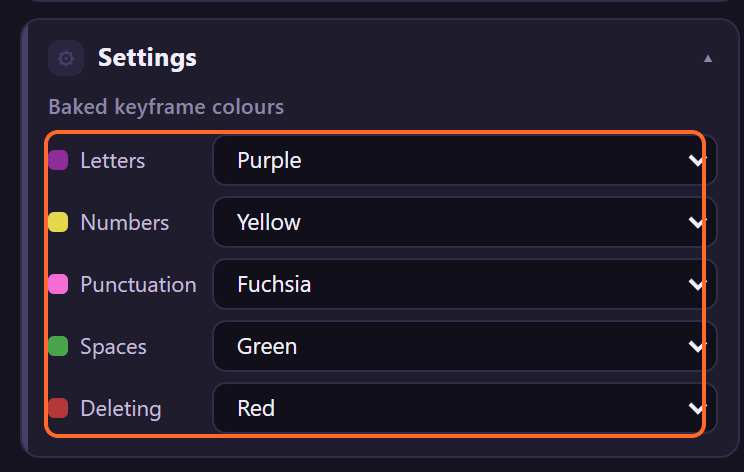
The colours, in Settings#
Open Settings at the bottom of the panel:

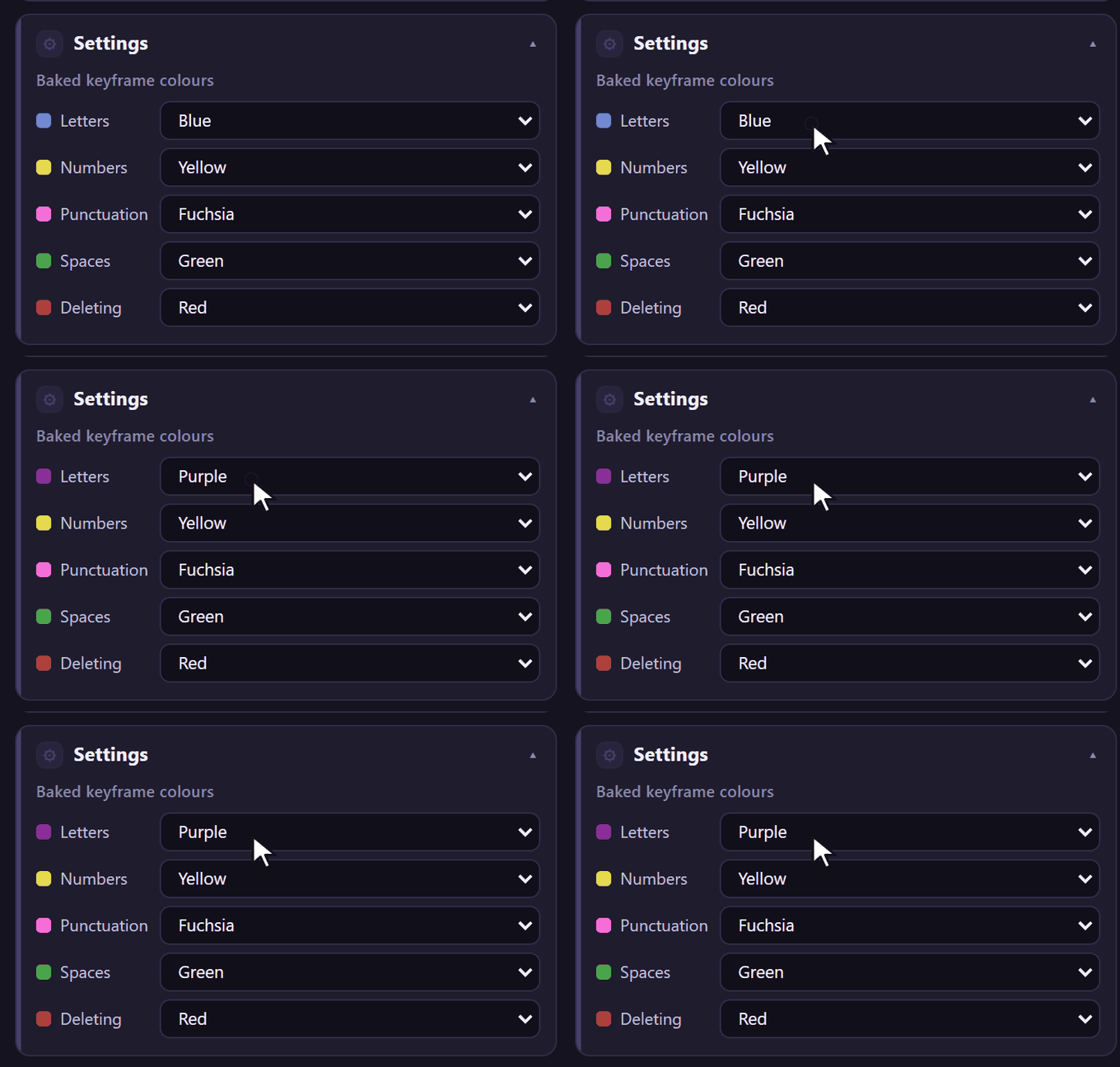
Choose a colour for each kind. Here Letters changes from Blue to Purple:
The colours apply to the next Bake; keyframes already baked keep theirs. After unbaking and baking again with Letters set to Purple:

Unbake#
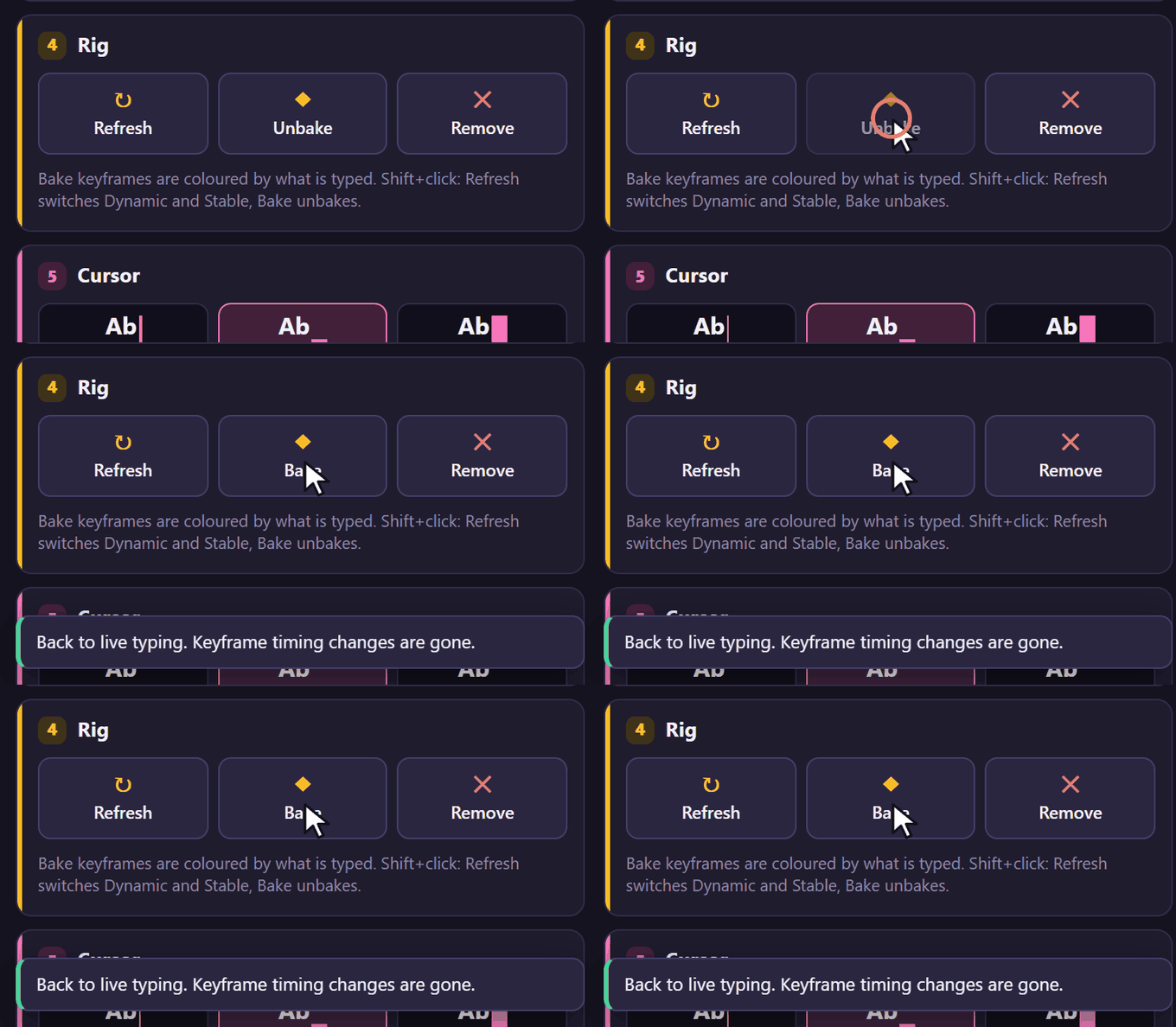
Shift+click Bake, or click the button while it reads Unbake. The toast says Back to live typing. Keyframe timing changes are gone.: the keyframes are removed and the rig's expressions come back, so changes you made to the keyframes are lost.
Tips and pitfalls#
- After baking, the controls do nothing: Variance, speed, presets, Erase, Start typing and Pause markers no longer change the typing until you unbake. Bake last.
- Changed the text of a baked rig? Click Refresh: it bakes the rig again from its controls, so the keyframes fit the new text. The panel asks first, because keystrokes moved by hand go back (chapter 9).
- Long texts play much faster baked, in both expression engines.
- To retime one stretch: bake, select the keyframes from that keystroke on, drag them.
- Unbake loses hand edits: save a copy of the layer first if you might want them back.
- Deleting keys after an Erase are red by default: an easy way to find them in the Timeline.
Related#
- 8. Erase
- 21. Characters Shown
- 28. Recipes: nudging baked keystrokes.
 আমি