38. Driving the panel from a script#
Another program on the same computer (your own ExtendScript, a Node script, a Python job, anything that can write a file) can ask the panel to make a map, move and key the camera, add pins, names, highlights, a scale bar, an inset map, colour the map from a CSV, and render.
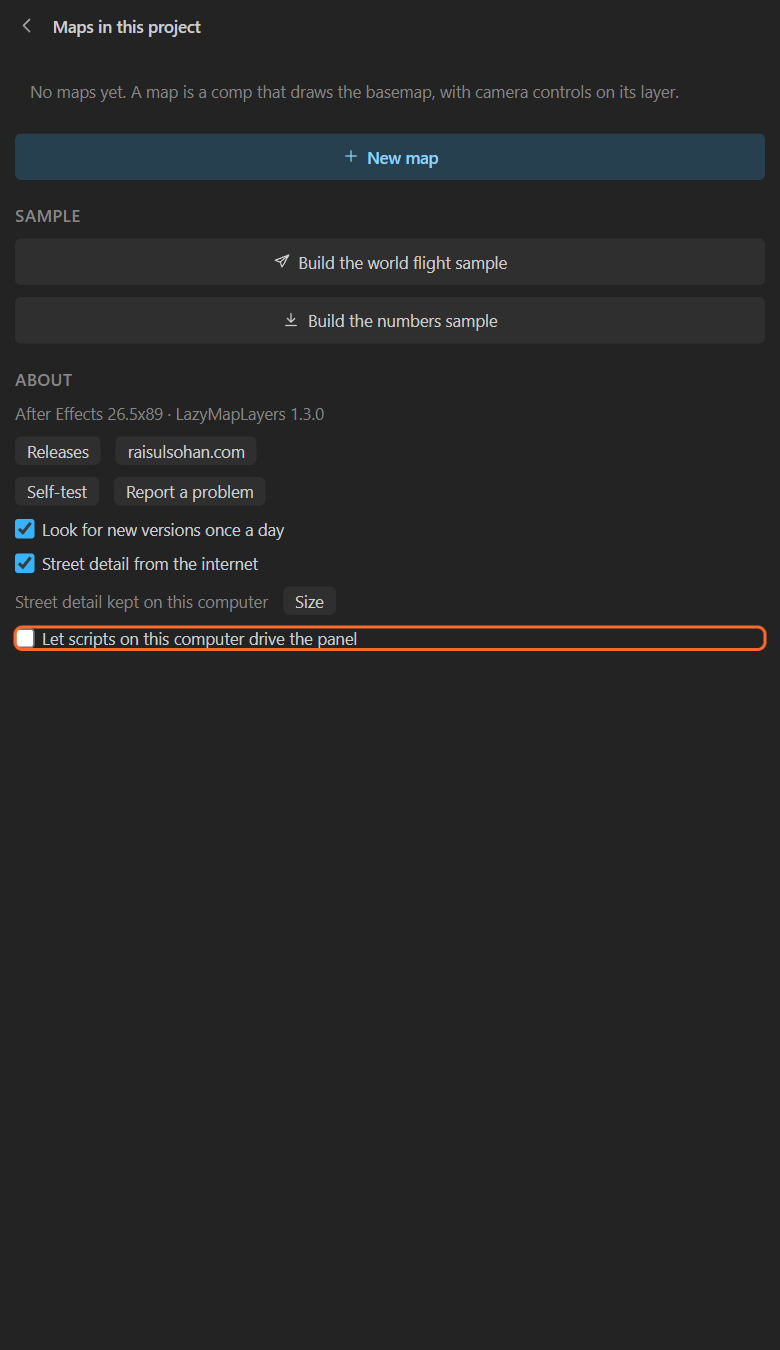
Turn it on#
Maps > About > Let scripts on this computer drive the panel. It is off until you turn it on, and only the listed calls can ever be asked for: nothing in a request is run as code.
How it works#
- Your program writes a request,
<name>.json, into the api folder:- Windows:
%APPDATA%\LazyMapLayers\api - macOS:
~/Library/Application Support/LazyMapLayers/api
- Windows:
- The panel picks it up, does it, removes it and writes
<name>.result.jsonnext to it, usually within a second.
{ "id": "job-1", "call": "addPin", "args": { "lat": 23.8106, "lng": 90.4125, "name": "Dhaka" } }{ "id": "job-1", "ok": true, "result": { "log": ["pin added at 23.81, 90.41"] } }The panel does one thing at a time; a call that arrives while it is busy is refused with the panel is busy, to try again.
The calls, in short#
| Call | Does |
|---|---|
version, maps, select, view
|
Ask about the panel and the maps; choose one |
newMap, setView
|
Make a map; move or key the camera |
addPin, labels, removeLabels
|
Pins and names |
highlight, clearHighlights
|
Countries by their three-letter codes |
look |
One of the twelve looks |
csv, colour
|
Read (and keep reading) a table; colour the map |
scaleBar, northArrow, inset
|
Map furniture |
render |
preview or final, in the background |
The full list, every argument, and an ExtendScript helper you can paste into your own script are in SCRIPTING.md.
Example: a map per country, overnight#
A Node script loops over a list of countries: newMap, setView on the country, highlight it,
labels, render final, waits for the result, and moves to the next. In the morning, the project
holds a finished map per country.
