22. The looks, and a look of your own#
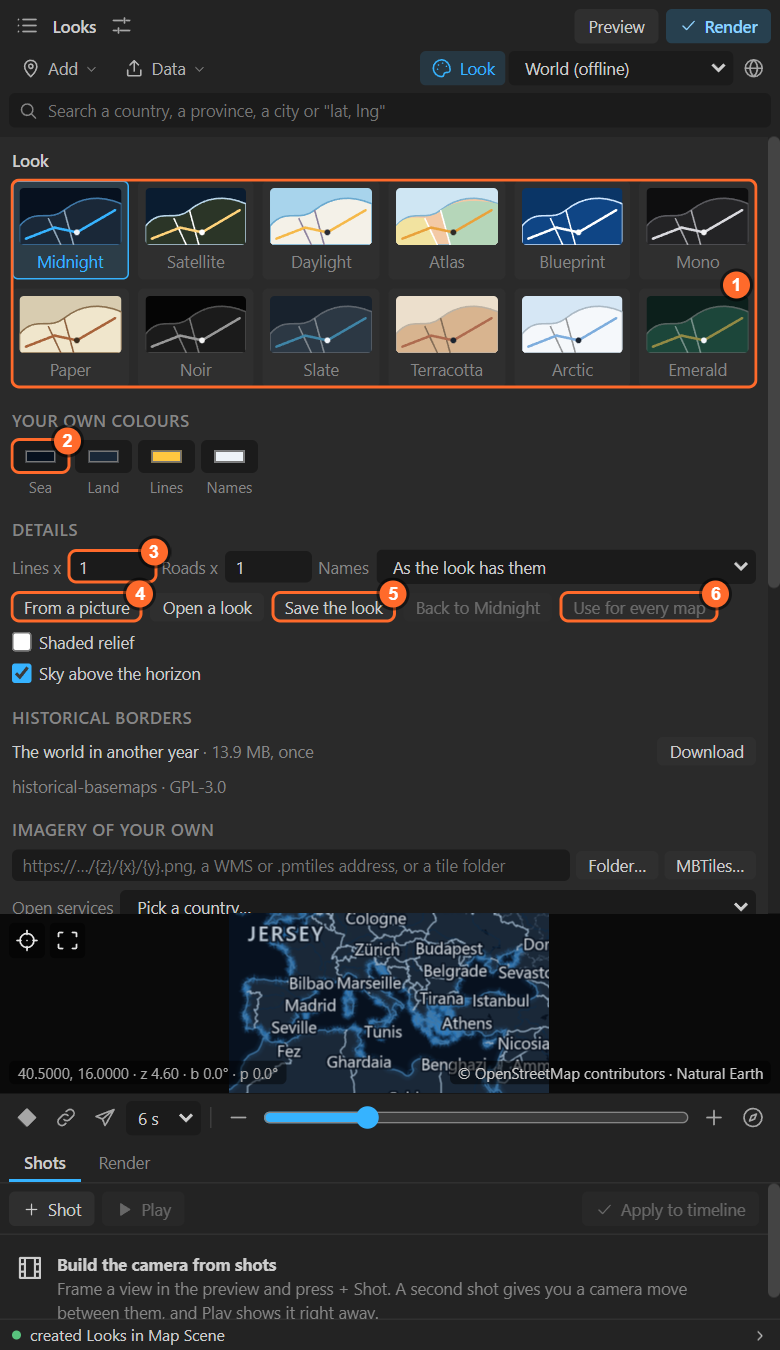
Look (in the tool row) sets how the map is drawn: twelve ready looks, your own colours, a look taken from a picture, and how heavy the lines and how many the names. The same sheet holds the sky, relief, imagery, terrain and map furniture, which the next chapters cover.
The twelve looks#
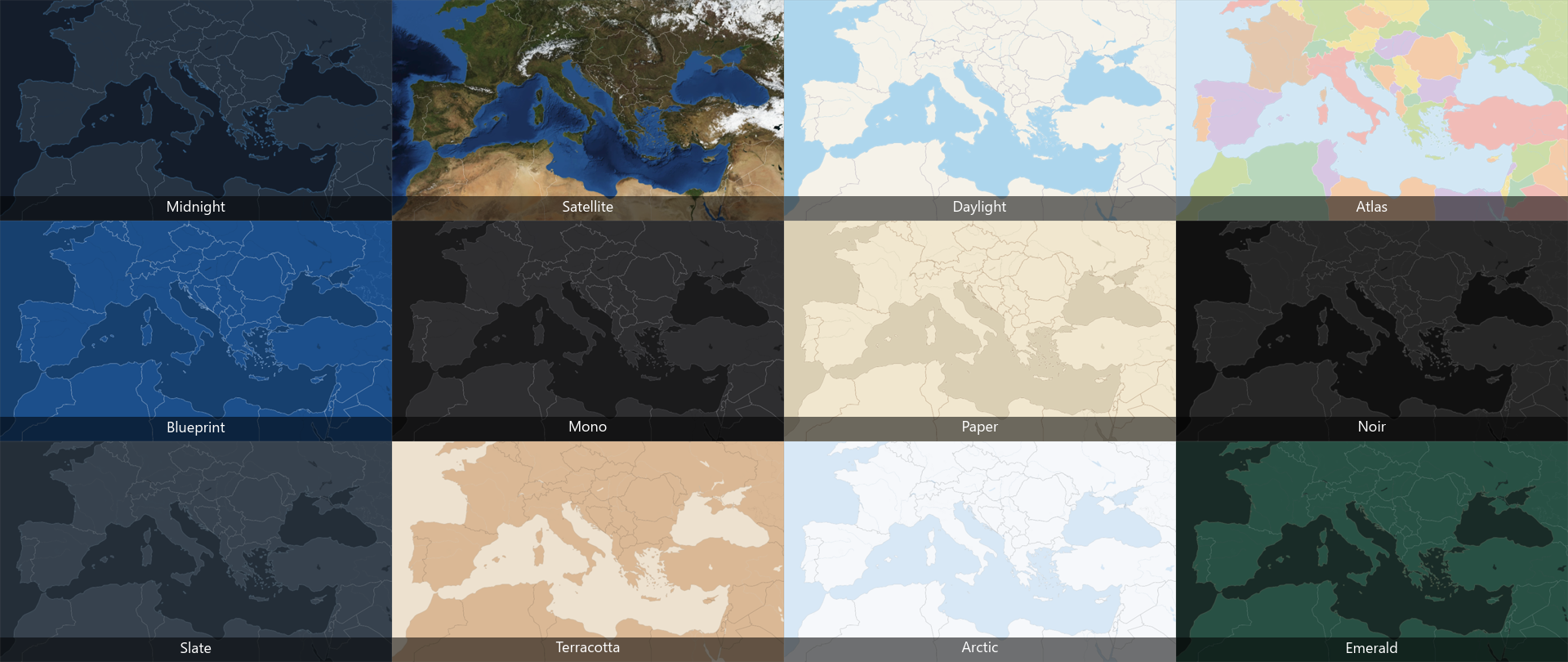
| Look | Made for |
|---|---|
| Midnight | Deep navy with glowing coasts: the broadcast look (the default) |
| Satellite | NASA Blue Marble imagery: continents and countries (it softens closer than a large city) |
| Daylight | Bright and clean, like a modern web map |
| Atlas | A political map: every country in its own soft colour |
| Blueprint | White lines on engineering blue |
| Mono | Neutral greys, made to be coloured and graded in After Effects |
| Paper | Warm, printed-atlas tones for history and documentary |
| Noir | Black and white, high contrast: film titles |
| Slate | Blue-grey newsroom: calm land, bright lines |
| Terracotta | Warm sand and clay, ink-dark names: editorial and travel |
| Arctic | Ice-blue sea, near-white land: clean and cold |
| Emerald | Deep green land under a dark sea, gold lines |
Click a card. The preview changes at once; render again to see it in the comp. The look is saved with the map, and labels, pins, routes and callouts made from then on match it.
Your own colours#
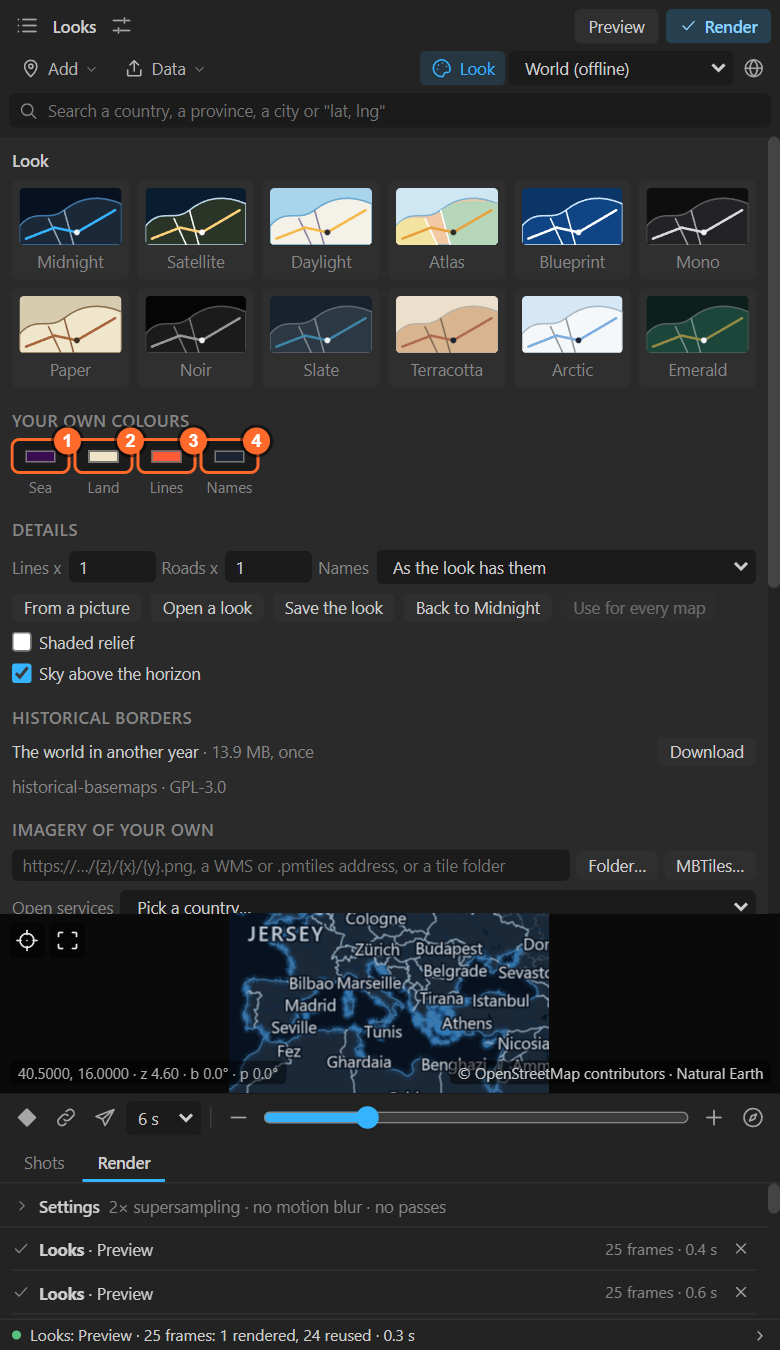
Four swatches set the whole map:
| Swatch | Sets | And from it the panel works out |
|---|---|---|
| Sea | The water | Rivers, lakes, the coast's glow |
| Land | The land | Roads, buildings, parks, borders, the sky |
| Lines | The pins, routes and callouts this map makes, and its brightest roads | |
| Names | The names drawn in the basemap | Pushed lighter or darker until they read on your land |
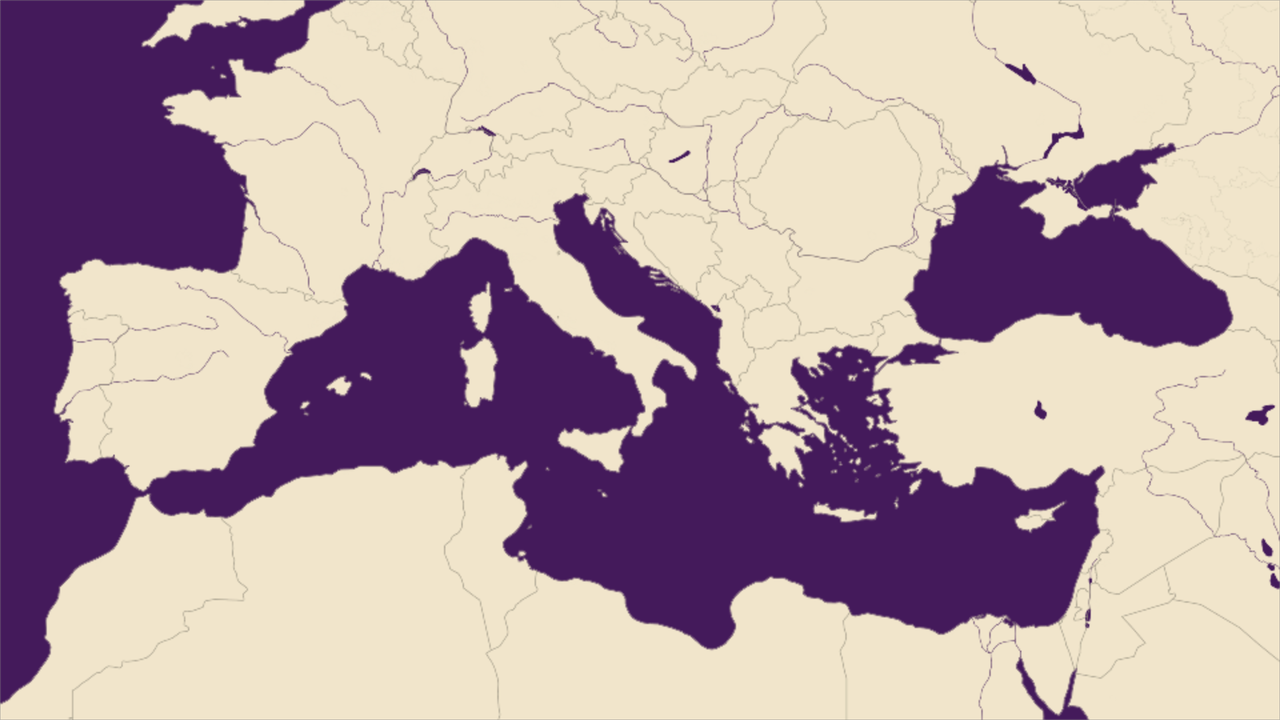
Back to Midnight (or whichever look you started from) drops your colours.
From a picture#
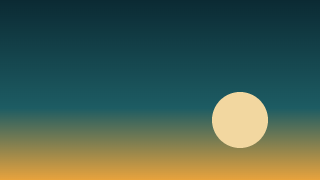
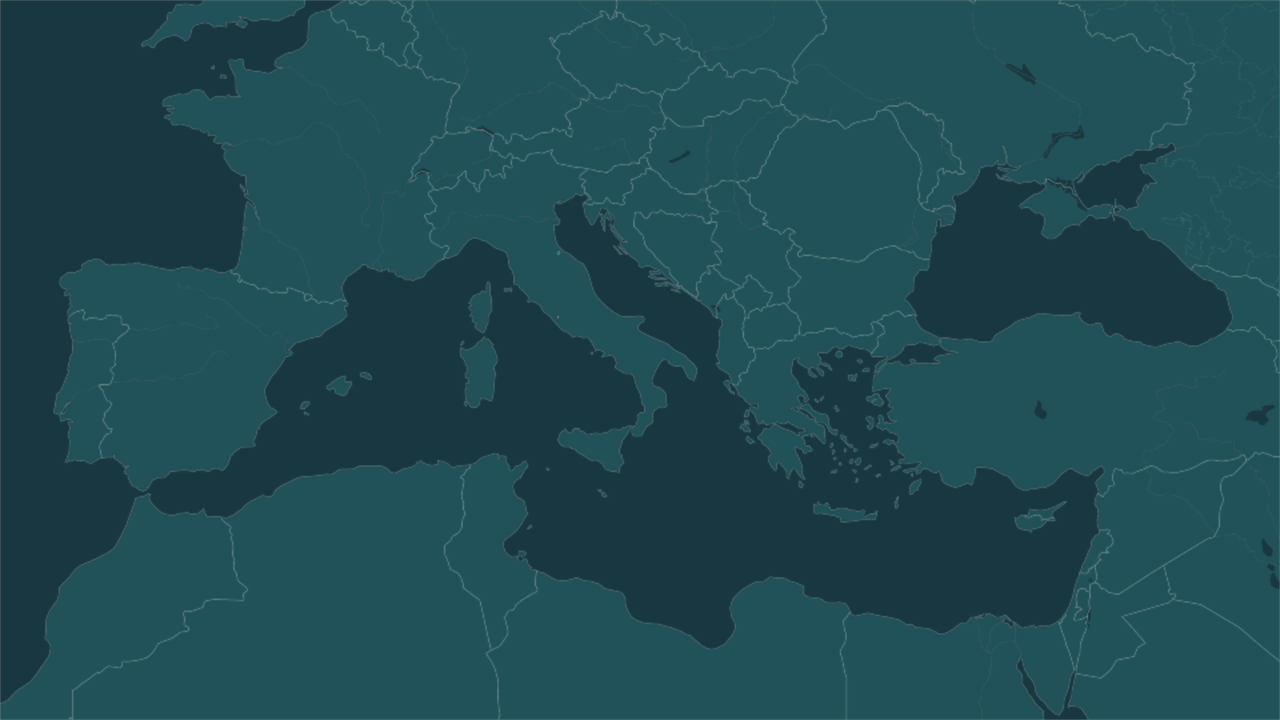
From a picture takes the palette of an image (a still from your film, a mood board, a brand sheet) and makes a look of it. The panel finds the picture's six main colours. In a dark picture the darkest becomes the sea (in a light one, the lightest), the next colour that stands apart from it becomes the land, and the most saturated of the rest becomes the lines. The names are worked out to read on that land.
Open a look, save the look#
- Save the look: writes your look (colours, details, layer style, relief, sky, imagery) to a file you can keep with the project or send to a colleague.
-
Open a look: reads a saved look, or a palette from Illustrator or Photoshop (
.ase,.act): a brand's colours become a map look in one step.
Details#
In every look:
| Control | What it does |
|---|---|
| Lines × | Borders, coasts, rivers and province lines, ×0.25 to ×3 the look's own width |
| Roads × | Roads and railways of a downloaded area, ×0.25 to ×3 |
| Names | How many names the basemap itself draws: Fewer, as the look has them, More |
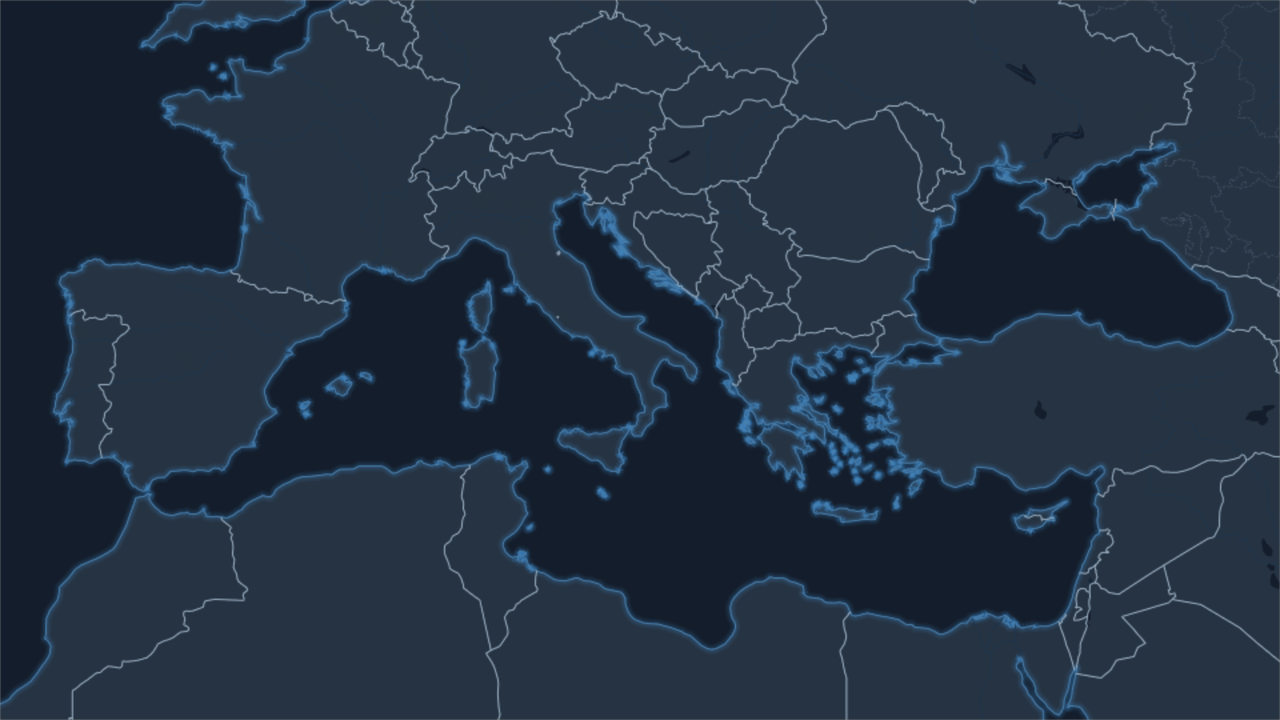
The Names detail is about the names painted into the basemap. The names the panel adds as text layers are set in Auto labels (chapter 20); with Auto labels on, set the basemap's own names to Fewer so the two do not compete.
Use for every map#
Use for every map gives this look to every other map in the project: the colours, the details, the layer style, relief, sky and imagery. Render them again to see it.
Related#
- 23. Sky, shaded relief, and the style of pins, routes and callouts
- Historical borders: the world in another year, from the same sheet.
- 24. Imagery
- 36. Render passes: grade the land and the water separately in After Effects.
