23. Sky, shaded relief, and the style of pins, routes and callouts#
Three more switches in the Look sheet: what fills the sky of a tilted map, soft mountain shadows over the land, and the colour and line of everything the panel adds on top.
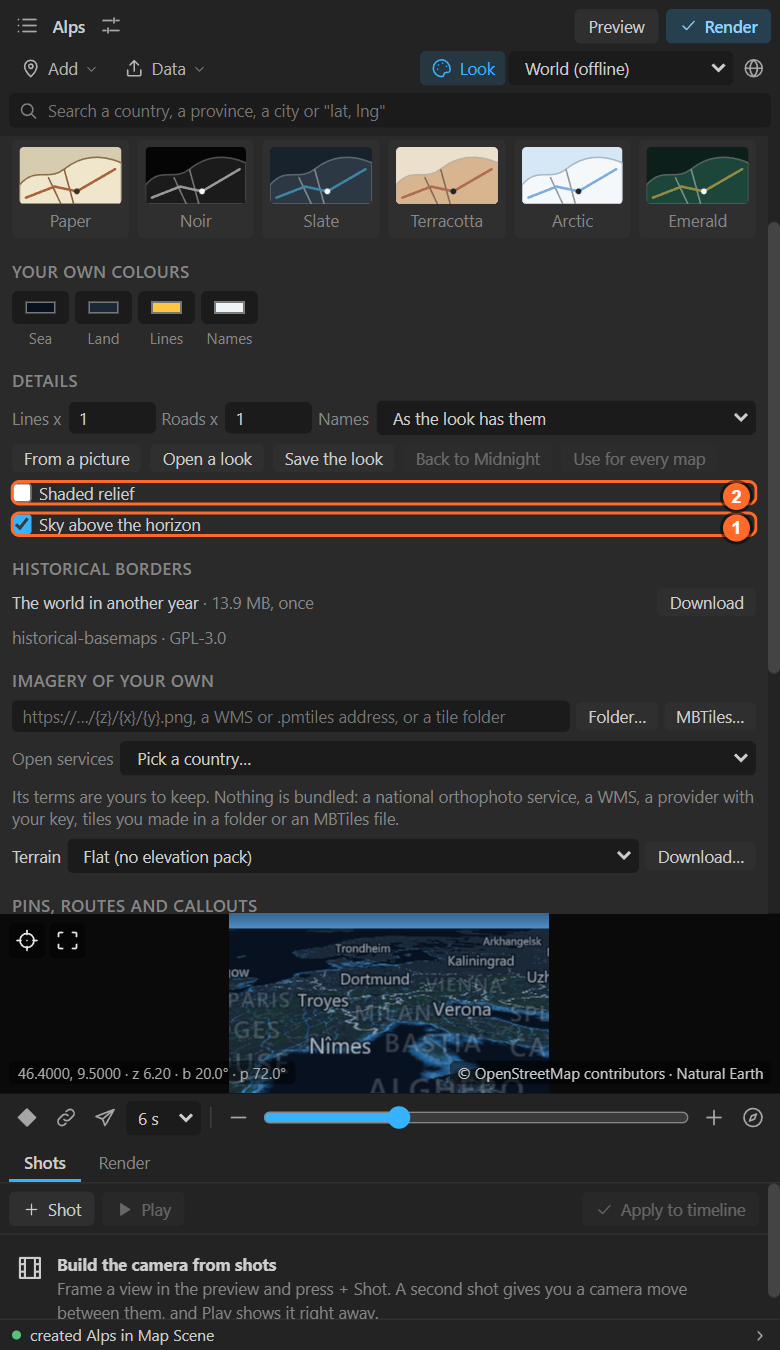
Sky above the horizon#
Tilt a map far enough and the horizon shows.
- On (default): the look's own sky fills it, fading into the horizon haze.
- Off: it is transparent, so a sky of your own (a photo, a gradient, a time-lapse) shows through from below the map layer.
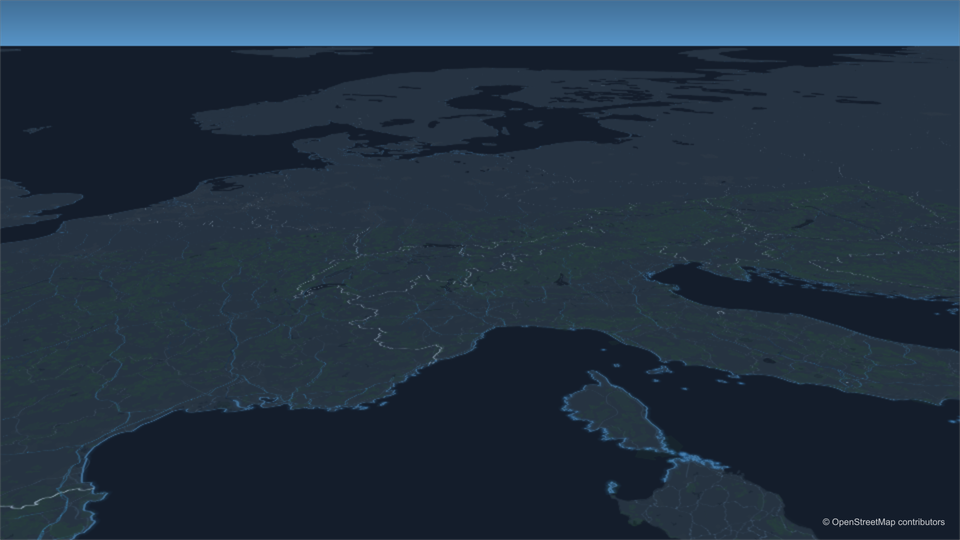
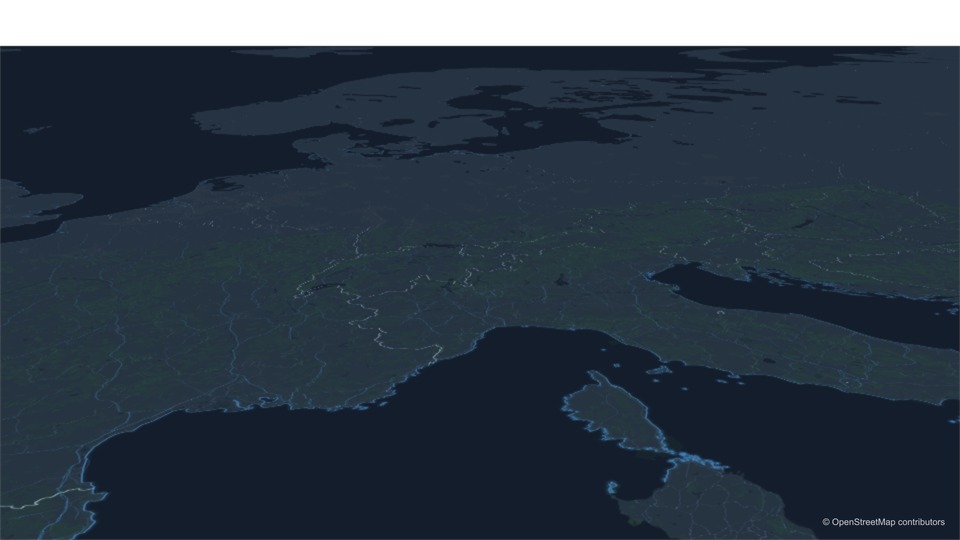
The globe always has its atmosphere, whatever the switch.
Shaded relief#
Shaded relief lays soft shadows of mountains and valleys over the land (Natural Earth's shaded relief, which comes with the panel). It reads at country and continent scale.
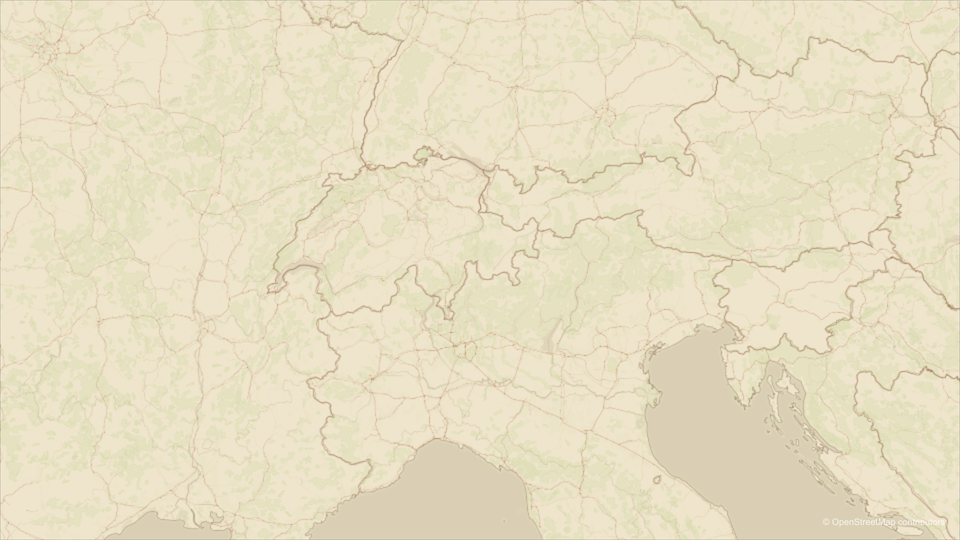
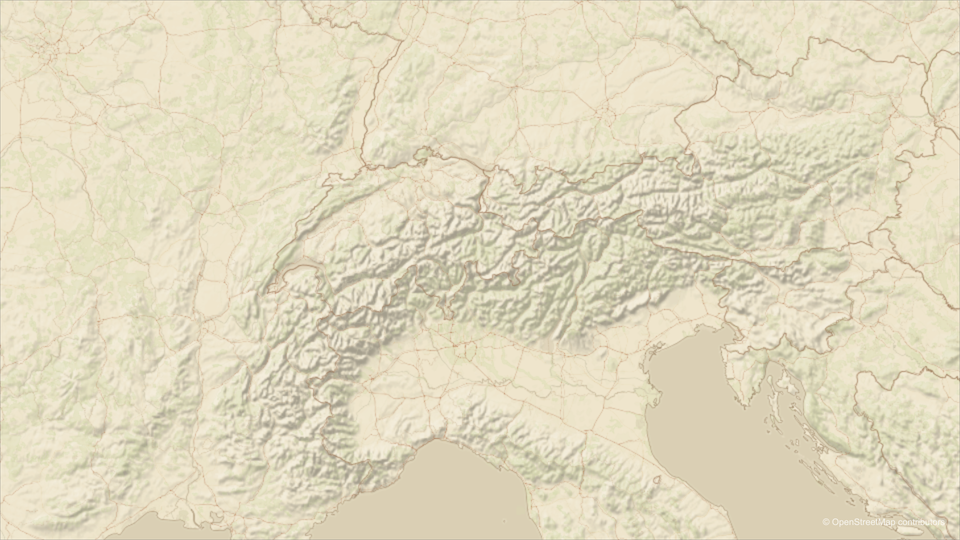
The Satellite look has its own relief in the picture, so the switch is off there. For sharp shading at any zoom, from real elevation data, use Terrain > Shaded slopes (chapter 25).
Pins, routes and callouts#
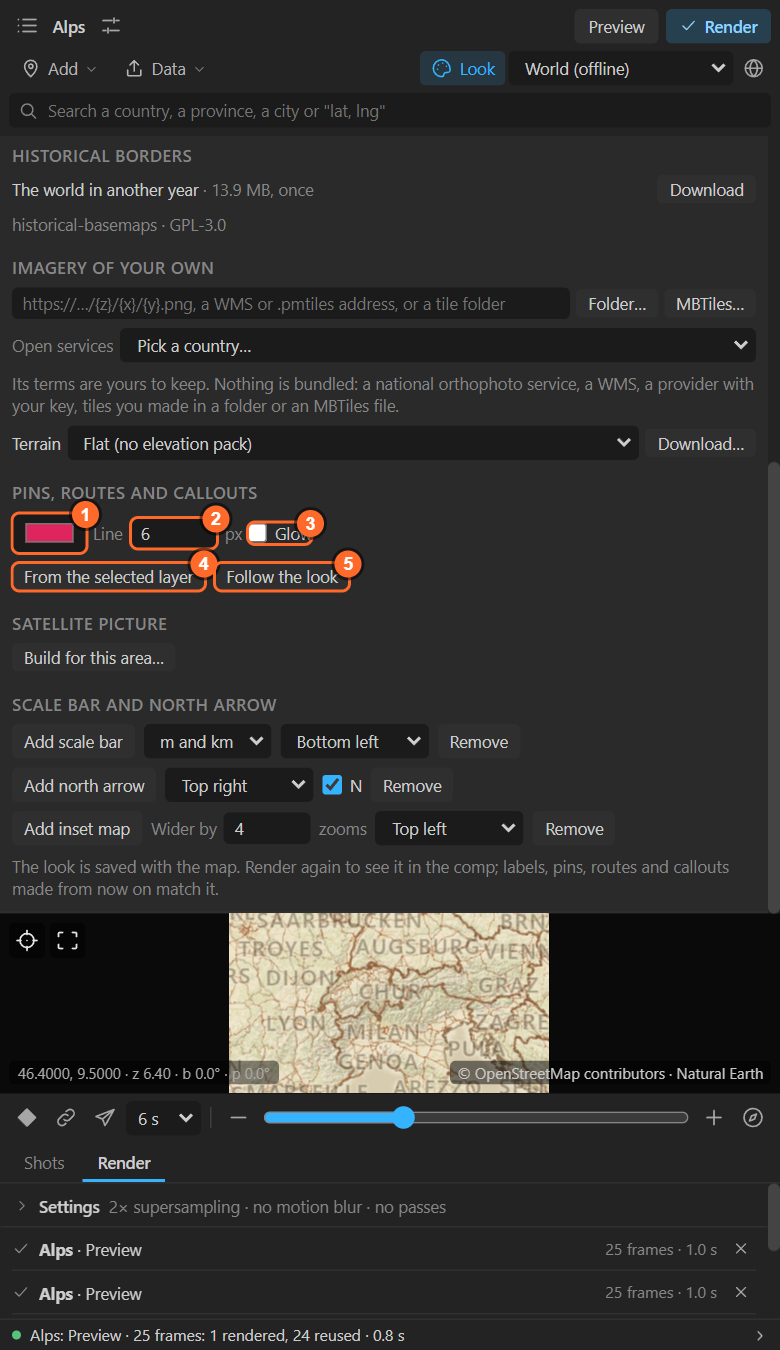
| Control | What it does |
|---|---|
| 1. Colour | The colour of the pins, routes, callout leaders and travellers the panel makes from now on |
| 2. Line | Line width in pixels at 1080 lines, scaled for the comp |
| 3. Glow | A soft glow around routes and callout leaders (it reads on dark maps, less on light ones) |
| 4. From the selected layer | Takes the colour and line width of a layer you select in After Effects: style one route by hand, then make every next one match |
| 5. Follow the look | Back to the look's own colour, line and glow |
Layers already made keep their style; change those in After Effects (the stroke of a route, the fill of a pin's Marker group).
 আমি