21. Animate borders#
Animate borders makes the country borders of the basemap draw on, over four seconds from the current time. It is the classic opening of a map piece: the land is there, then the lines between the countries appear.
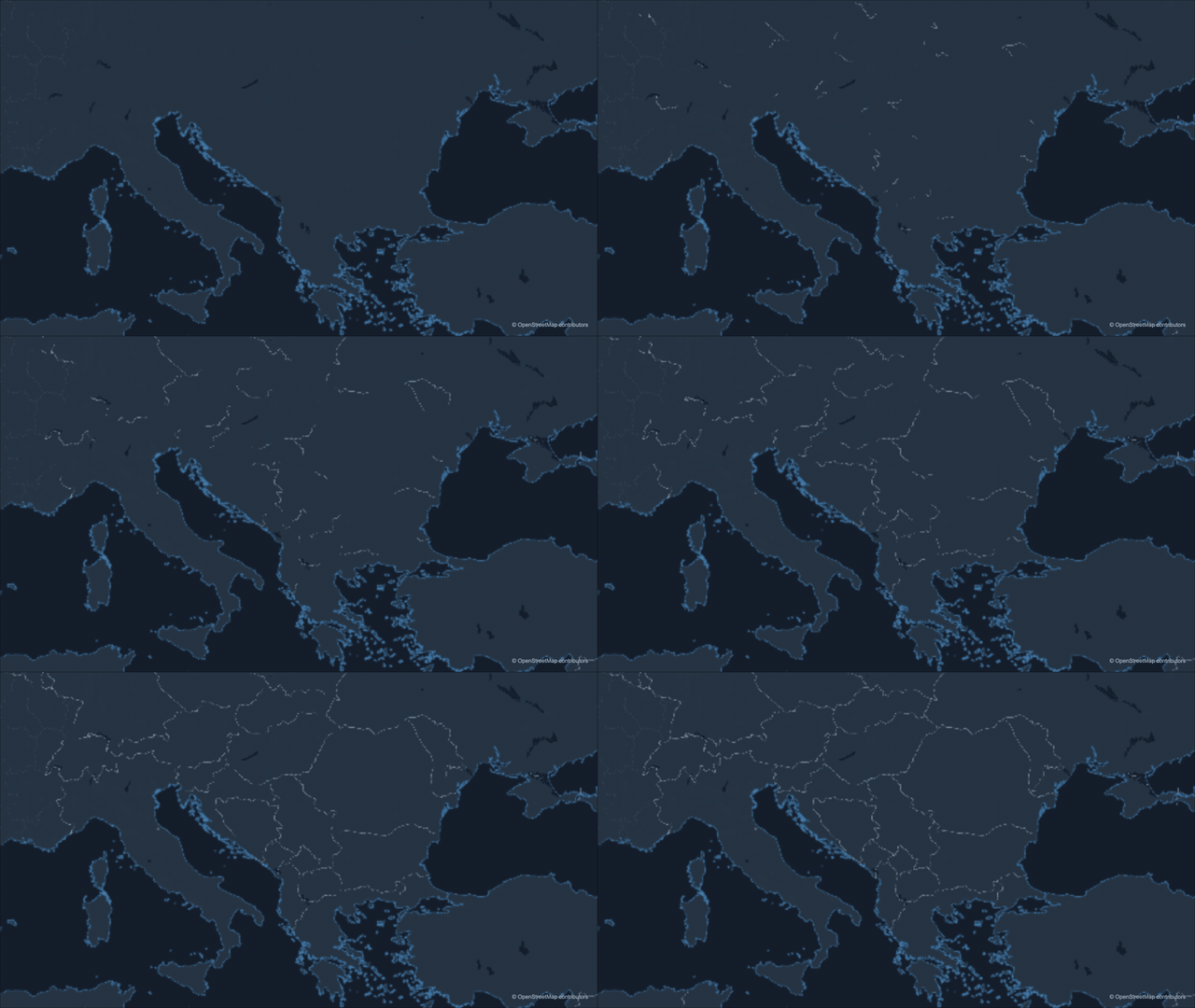
Step by step#
-
Select the map and put the time indicator where the borders should start.
-
Click Add > Animate borders.
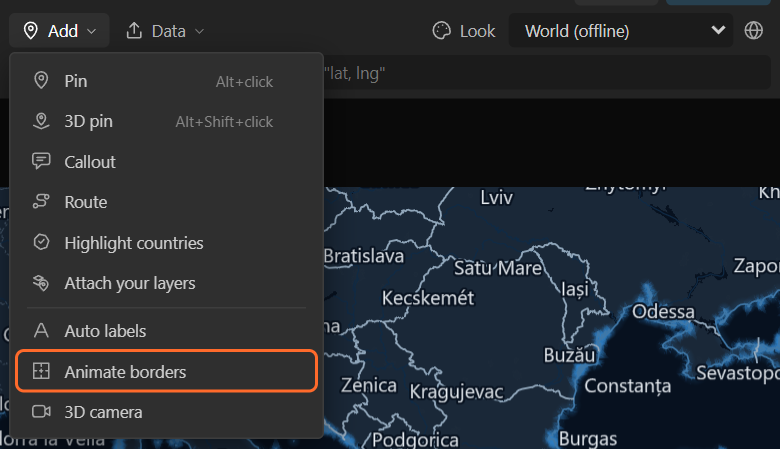
-
Preview or Render: the borders are drawn by the renderer, so you see them after a render.
What it does#
The map layer gets a slider, Borders Draw-on, keyed from 0 at the current time to 100 four seconds later. The renderer reads it for every frame and draws each border that much along its length.
Because it is a slider, you own the timing:
- Longer or shorter: move the second key.
- Another curve: change the keys' easing in the graph editor.
- Undraw: key it back to 0 at the end.
- Start drawn: delete the keys and set the slider to 100.
Only the frames whose value changed are rendered again.
Good to know#
- It animates the country borders of the basemap. Province lines and the outlines of highlights are not part of it; a highlight's Shape layer draws on by itself (chapter 14).
- With the Boundaries pass on in the Render tab, the borders come on their own layer, to glow or colour them in After Effects (chapter 36).
 আমি