6. Search#
The search box under the tool row finds places offline, while you type, in 26 languages. For a street or an address it can also ask OpenStreetMap, but only when you say so.
What it finds offline#
| Kind | Example | Icon |
|---|---|---|
| Countries |
Nigeria, Deutschland, ভারত
|
globe |
| Provinces, states, regions |
Bavaria, Gironde, California
|
outline |
| Districts | the districts of every country | outline |
| Cities and towns |
Lagos, Osaka, Medellín
|
pin |
| Seas, lakes, rivers |
Caspian Sea, Lake Victoria
|
wave |
| Mountains, ranges, deserts |
Kilimanjaro, Andes, Sahara
|
mountain |
| Coordinates | -33.8568, 151.2153 |
target |
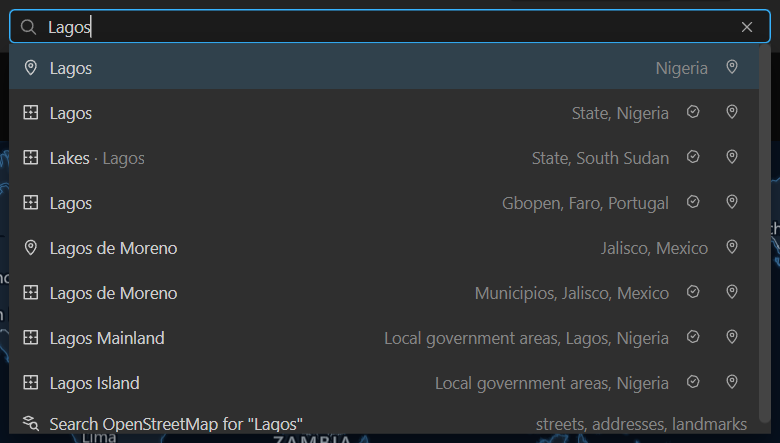
Names are found in English and in the place's own language and script. Type Dhaka in Bengali or Tokyo in Japanese:
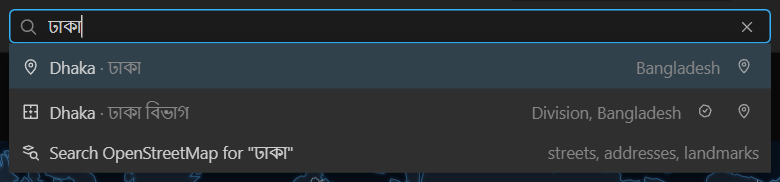

When the name you typed is another language's spelling, the row shows which one matched after a dot.
A province or a mountain:

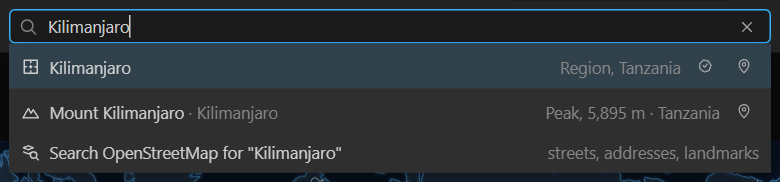
Coordinates#
Type latitude and longitude separated by a comma: -33.8568, 151.2153. Negative latitudes are south,
negative longitudes west. The preview goes there at street zoom (or stays closer if you were already
closer).

Going to a result#
- Click a row, or press Enter for the highlighted one (↑ and ↓ move it).
- The preview flies there and frames the place: a country whole, a city at city zoom. The bearing and tilt you had are kept.
- Esc closes the list; the × in the box clears it.
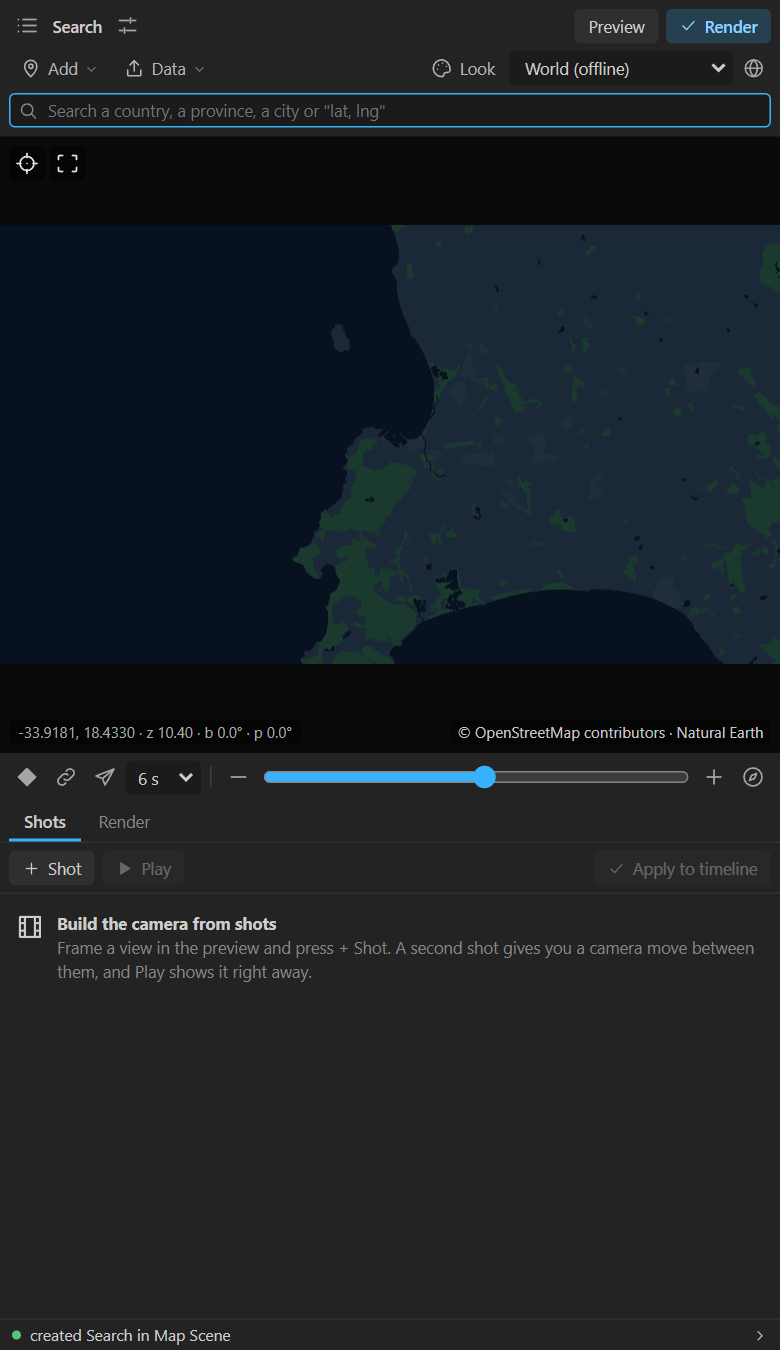
The panel remembers the name you went to: the next New map is called after it, and so is the next shot.
Buttons on a result row#
When a map is selected, every row has small buttons at its right end:
| Button | On | Does |
|---|---|---|
| Pin | every row | Adds a pin on that place without going there (chapter 10) |
| Highlight | countries, provinces, districts | Highlights it, or takes the highlight off again (chapter 14) |
So you can pin ten cities or light up five countries from the list, without touching the map.
Streets and addresses: OpenStreetMap#
The offline list knows places, not streets. For anything smaller (a street, an address, a building, a landmark), the last row offers Search OpenStreetMap for "…":
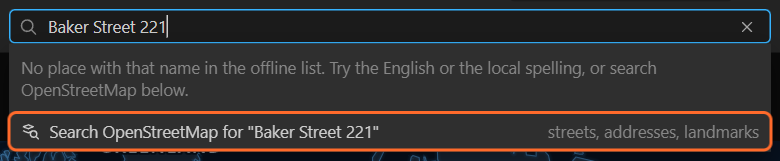
Click it, or press Enter when nothing offline matched. The panel sends what you typed, and nothing else, to nominatim.openstreetmap.org, OpenStreetMap's public search, preferring results near the area in the preview. Results come back in the same list, with an OpenStreetMap icon, and act like any other row; an address can take the preview down to a single building.
It never searches online while you type, only when you click or press Enter.
Tips#
- No result? Try the English or the local spelling. The message under the box says so too.
- Two places with one name (Paris, France and Paris, Texas): the detail on the right of each row names the province and country. Larger places come first.
- Search is for the preview. It does not key the camera. Use Keyframe view, Fly here or + Shot after it (chapter 8, chapter 9).
Related#
- 7. Moving the preview
- Historical borders: with a year on the map, that year's states and empires come first in the list.
- 18. Finding things on OpenStreetMap: rivers, parks, buildings as shapes, not just a place to go to.
 আমি