14. Speed Mode, Frames Per Character and Total Duration#
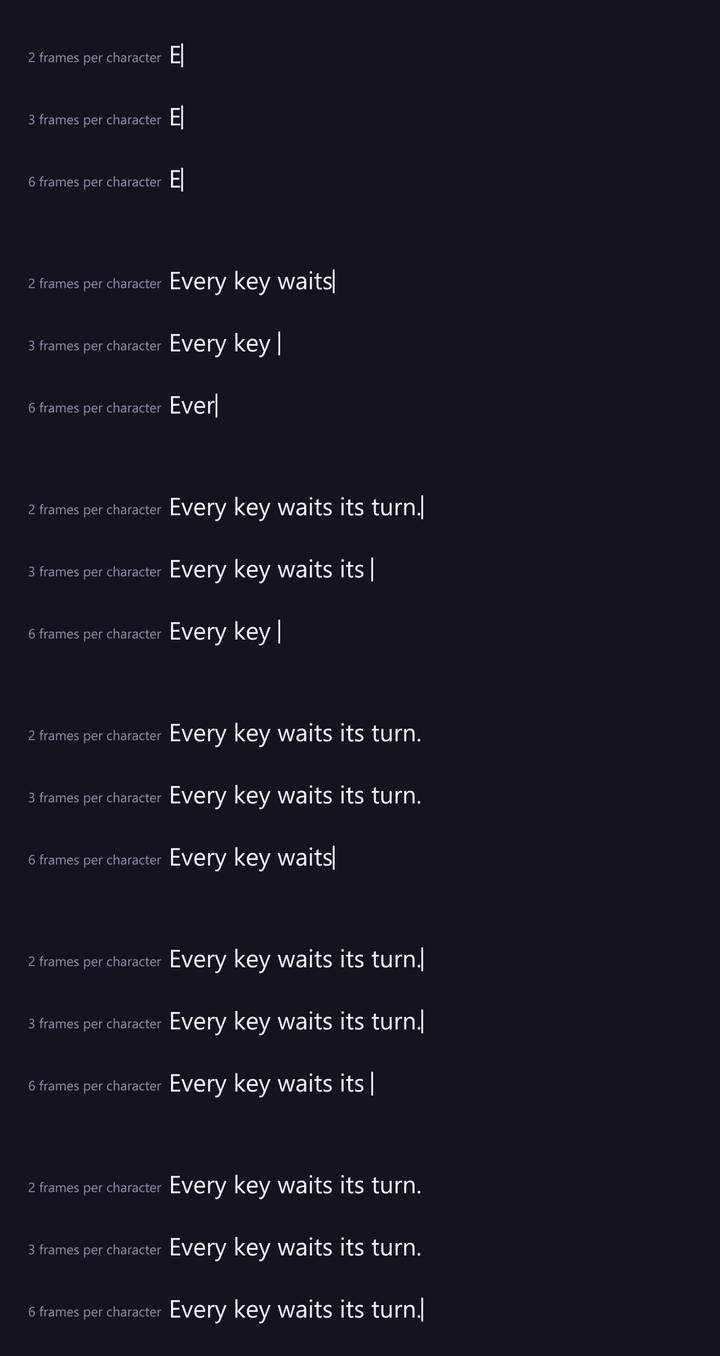
The base speed is what every other speed control works on. Set it as a pace, Frames Per Character, or as a length, Total Duration: the whole take in so many frames.
Where to find them#
In the text layer's Effect Controls, after Start at Character:
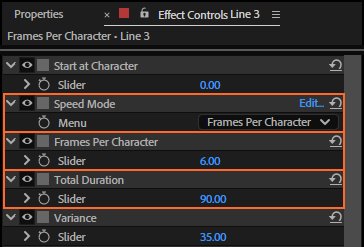
Speed Mode chooses which of the two the rig uses: Frames Per Character (the default) or Total Duration. The other one is ignored.
Frames Per Character#
How many frames a plain character waits before it appears. Every character's own weight (Variance and the Slow, Fast and Slow/Fast controls) multiplies it, so 3 does not mean every key takes exactly 3 frames: it is the pace the others are measured against.
| Frames Per Character | "Every key waits its turn." (25 characters, defaults otherwise) |
|---|---|
| 1 | 37 frames |
| 2 | 73 frames |
| 3 (default) | 109 frames |
| 6 | 217 frames |
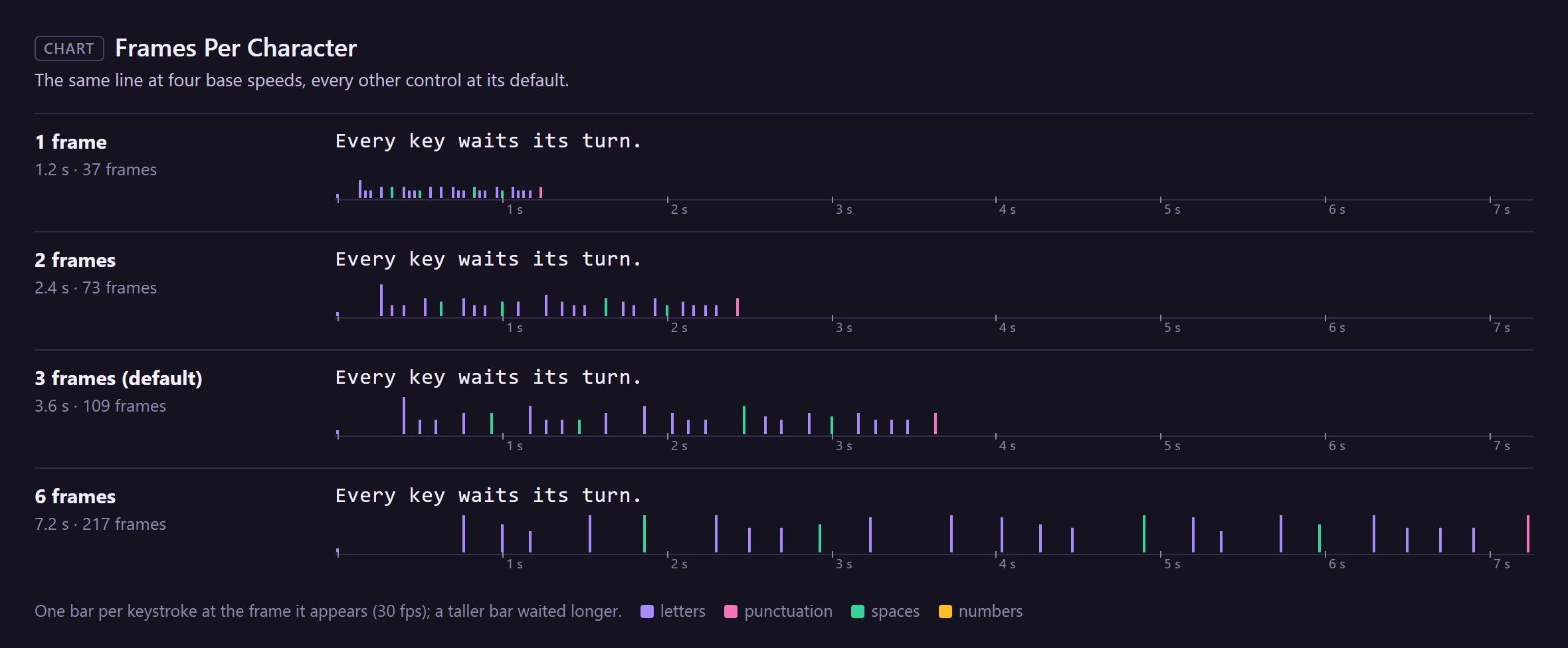
Fractions are exact. The engine keeps the part of a frame that is left over and carries it to the next character. With every other control at 0, 2.2 frames per character types on frames 0, 3, 5, 7, 9, 11, 14, 16…: waits of 2 and 3 frames that average 2.2. Below 1, several characters can appear on the same frame: at 0.5, two a frame.
The time a character takes never goes below 0.02 frames, so even 0 is a very fast typist, not an error.
Total Duration#
The whole take in frames (not seconds): the first character appears at once, and the rest share the duration out by their weights, so the rhythm is the same as in Frames Per Character mode, only stretched or squeezed to fit.
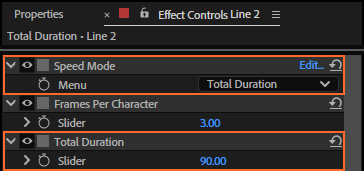
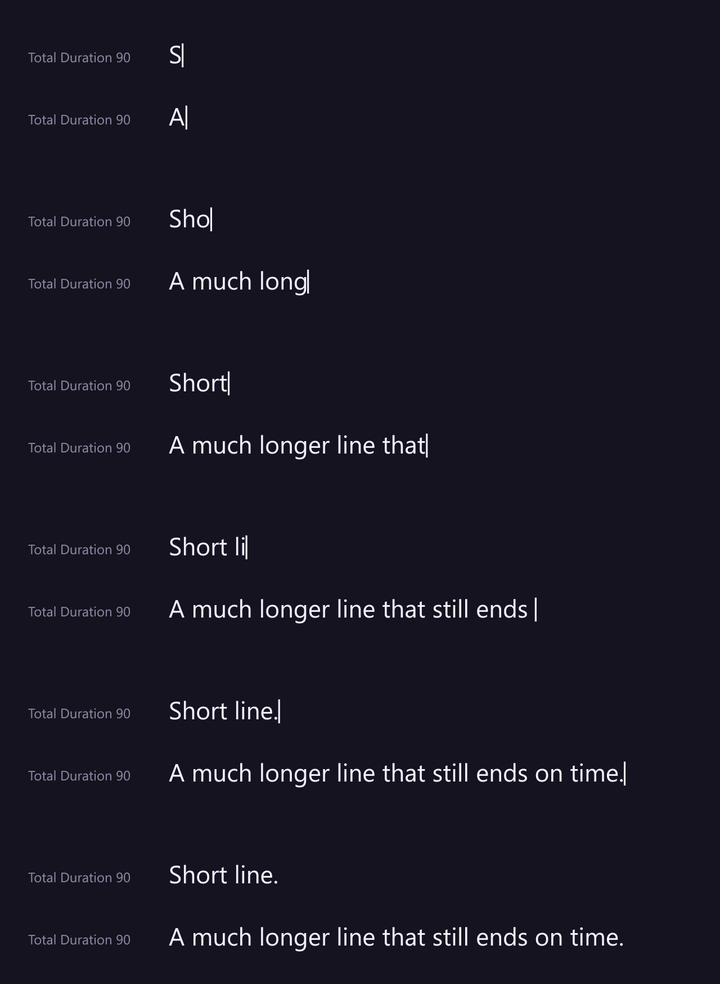
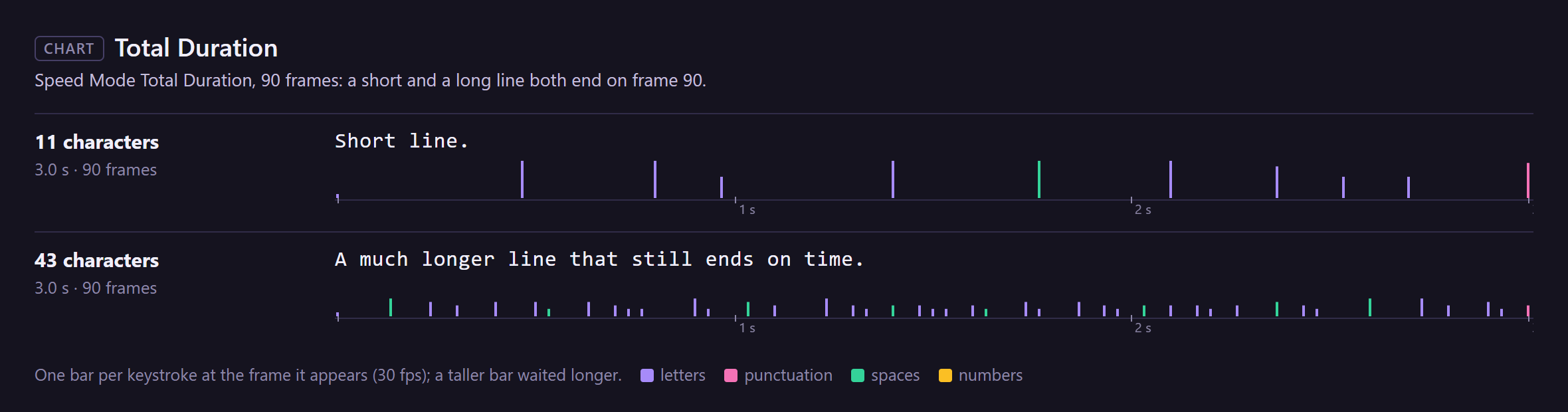
The duration is worked out when typing starts (and each time it starts again after Stop typing, a pause or Typing off), for the characters still to type, with the text and controls at that moment. So keyframing Total Duration in the middle of a run changes nothing until the next run; keyframe Frames Per Character instead to speed up or slow down inside a run.
Every setting#
| Control | Values | Default |
|---|---|---|
| Speed Mode | Frames Per Character, Total Duration | Frames Per Character |
| Frames Per Character | frames, fractions allowed | 3 |
| Total Duration | frames | 90 |
Tips and pitfalls#
- Matching a voice-over: Total Duration fits a line to a phrase; for changes of pace inside a line, keyframe Frames Per Character (chapter 28).
- Pauses in Total Duration mode start a new run, which shares the duration out again over what is left: the take then lasts longer than the duration.
- Comp frame rate: both controls count frames, so the same values type faster in a 60 fps comp. Presets take care of it: applying one (or creating a rig with it) converts both to the comp's frame rate, so it types as many characters a second at any rate (chapter 5). A value you type in yourself is not converted.
