Lazy-Image documentation#
Lazy-Image is a dockable panel for Adobe After Effects and Premiere Pro that generates images with your own ChatGPT account without leaving the app. Type a prompt, pick an aspect ratio, click Generate: the image is created by ChatGPT in a hidden browser, saved next to your project and placed on your timeline at the playhead. No API key, no browser extension, no extra billing. It is free, open source and runs entirely on your own computer.
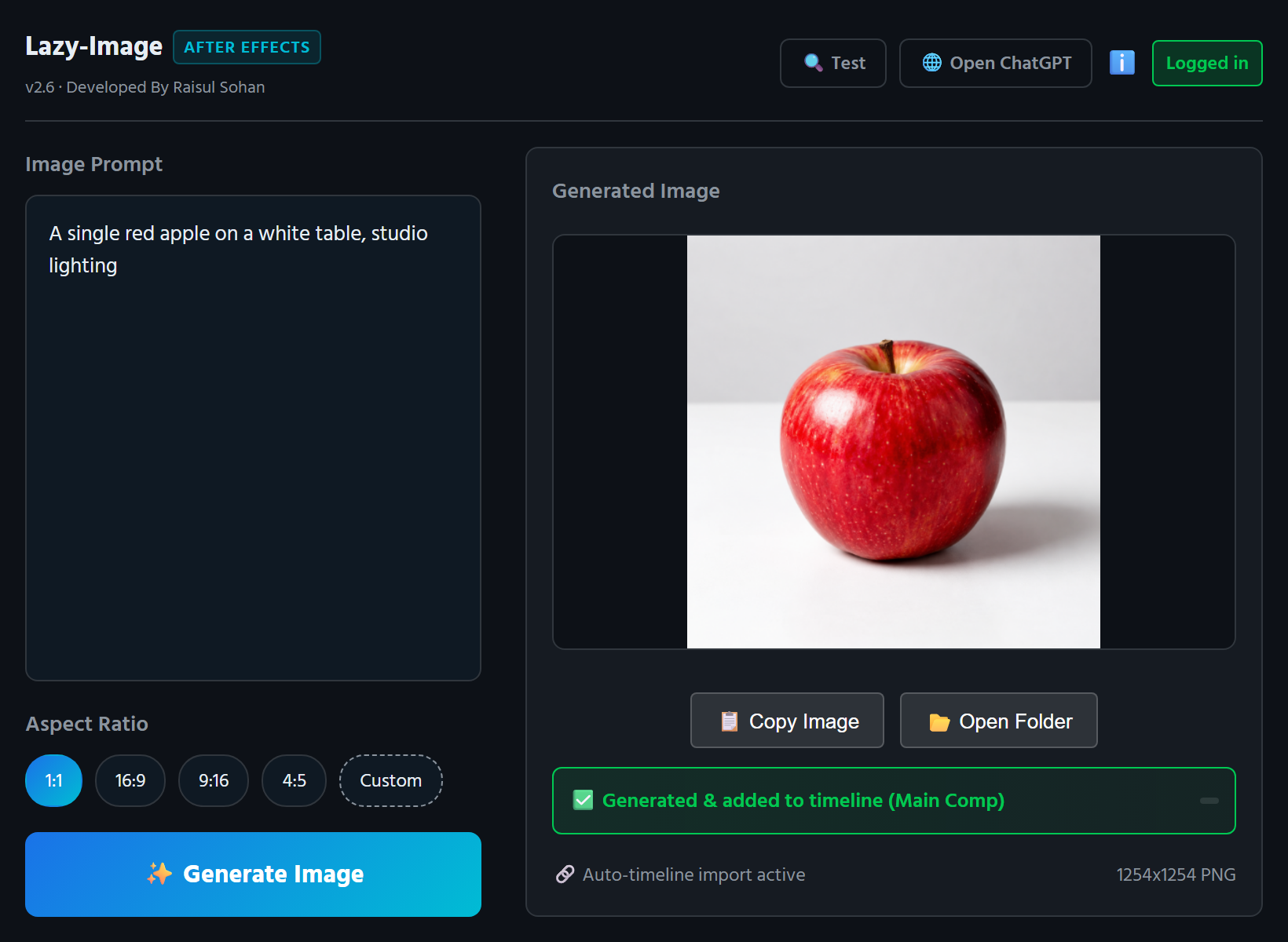
The README is the tour. These pages are the detail.
Written for Lazy-Image 2.6.
Using it#
| The manual | Installing, updating and uninstalling, the one-time ChatGPT login, then every part of the panel: writing a prompt, aspect ratios, what happens to the image in After Effects and in Premiere Pro, the Test button, Copy Image and Open Folder, shortcuts, and where your data is kept. |
| How it works | What happens between clicking Generate and the image landing on your timeline: how the hidden browser is found and started without stealing focus, how ChatGPT is driven, how the finished image is recognised and downloaded, and how the progress percentage is estimated. |
| If something goes wrong | Symptoms and fixes, every message the status bar can show and what it means, and what to send when you report a problem. |
Changing it#
| Building from source | How the panel, the browser bridge and the host scripts fit together, the repository layout, running it from a clone, the rules the code keeps, the bridge API and how a release is signed and packaged. |
| Changelog | What changed in every version. |
Stuck somewhere? Email lettertosohan@gmail.com with the details, or open an issue. Lazy-Image is designed and built by Raisul Sohan, and is MIT licensed.
